Author name: Himanshu Pandey

Himanshu Pandey is working as a Senior Technical Content Writer at Shoviv Software. Associated with Shoviv since 2019, he has strong expertise in email technologies, cloud drives, and other modern and emerging technologies. He is certified in copywriting from OpenSAP and holds a degree in Psychology and Language. Besides technical writing, he also brings experience from various other niches. Blending professional language with a friendly tone is the best part of his writing style.

Office 365 Tenant to Tenant Migration

Admin Guide for Office 365 Tenant to Tenant Migration

Office 365 is a subscription-based service offered by Microsoft. Office 365 is used by millions of companies worldwide, with more than 650,000 companies in the United States. Because of its user-centric features, many organizations are also planning to shift into Office 365 as the business operates in the cloud organizations more frequently. Due to the

Admin Guide for Office 365 Tenant to Tenant Migration Read More »

How to Backup Archive Mailbox of Office 365

How to Backup Archive Mailbox of Office 365?

Nowadays Office 365 has become an essential part of business organizations. It holds all the necessary entities like Skype for Business, Outlook, Yammer, Word, Excel, SharePoint, PowerPoint, One Drive, etc. Many Office 365 users don’t know that Office 365 has an auto-expanding archiving feature that provides 100 GB of additional storage for the archive mailbox. But it’s

How to Backup Archive Mailbox of Office 365? Read More »

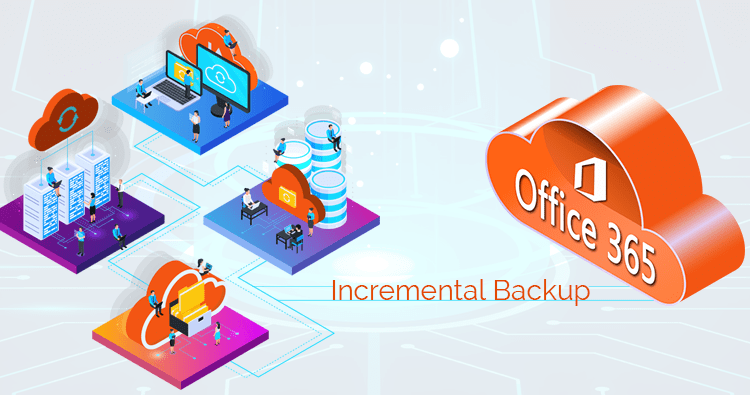
Incremental backup of Office 365

What is an Incremental Backup and How to Backup Office 365 Mailboxes?

When thinking of Office 365 backup, many users ask what incremental backup is and how it is different from a full backup. It is commonly come to see that the users search for the Incremental Backup vs Full Backup. Here, in this article, we will know all about the different types of backup and their

What is an Incremental Backup and How to Backup Office 365 Mailboxes? Read More »

Export Emails from Outlook Express to Outlook 2016, 2019

Export Emails from Outlook Express to Outlook 2016, 2019

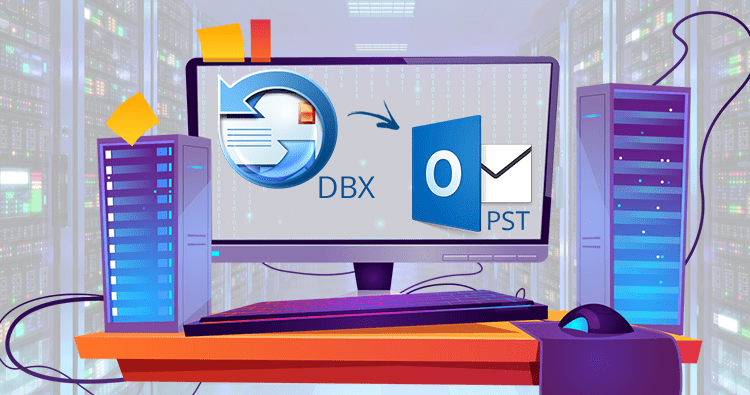
Outlook Express is a free discontinued email client that used to come with Windows Vista, Windows XP, and older versions. Outlook Express uses the DBX file format for the data storage. On April 8th, 2014, Microsoft ended the support for Outlook Express. Many users have migrated Outlook Express emails to Outlook. And many are still

Export Emails from Outlook Express to Outlook 2016, 2019 Read More »

Outlook Spell Check Not Working Error- What to Do?

Outlook Spell Check Not Working Error- What to Do?

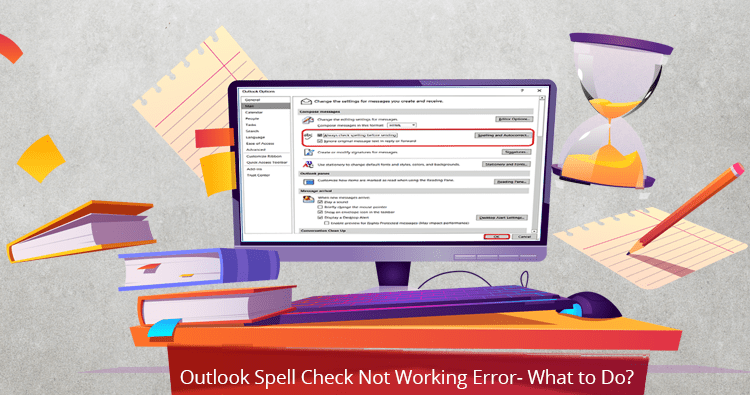
Properly written words make you feel confident and create a good impression on your readers. A reader can be your client, colleague, or anyone of the utmost importance. Spelling blunders and grammatical errors drag down the content value of your emails/report/or any piece of written work. Hence, to get rid of spelling and grammar errors

Outlook Spell Check Not Working Error- What to Do? Read More »

Microsoft Outlook Not Implemented Error in 2019/2016/2013/2010

Microsoft Outlook Not Implemented Error in 2019/2016/2013/2010

No one wants interruption in working; errors make a bad working experience. MS Outlook is a widely used email client all over the globe. Because of its advanced and user-friendly working, it is the first choice of most professionals. But, MS Outlook is not free from errors and various error encounters to it. An error

Microsoft Outlook Not Implemented Error in 2019/2016/2013/2010 Read More »

An Effortless Way to Restore Office 365 Mailboxes

How to Restore an Office 365 Mailbox

Microsoft Office 365 is a cloud-based solution that offers subscription services mostly used by business enterprises and organizations. Every year, businesses pay Microsoft a license fee to take out a subscription for their employees, allowing them to access the application and its services. Email plays so much important role in today’s business world, as if

How to Restore an Office 365 Mailbox Read More »

Scroll to Top