Before proceeding to the installation process, you must download the Shoviv GroupWise Migration Suite. You can use the links below to download the software:
- Step 1: Right-click on the downloaded Shoviv GroupWise Migration Suite and pick the Run as administrator option.
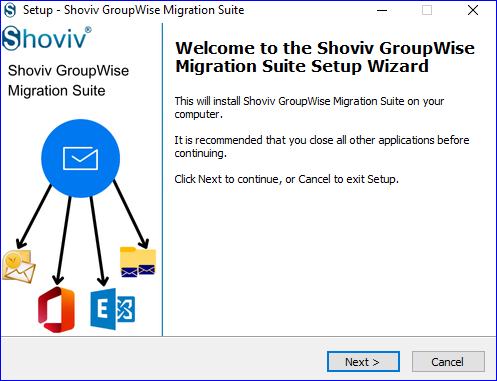
- Step 2: Then, you have to click the Next button to continue.
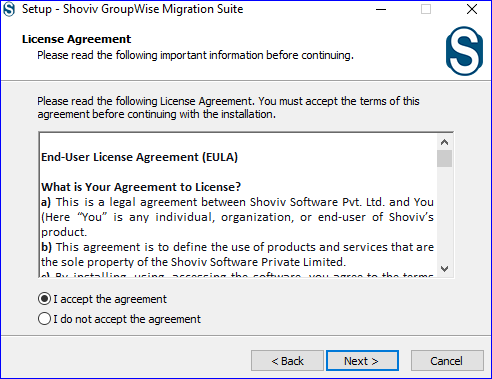
- Step 3: Take time to read the End-User License Agreement (EULA) and go with the "I accept the agreement" After that, click the Next button.
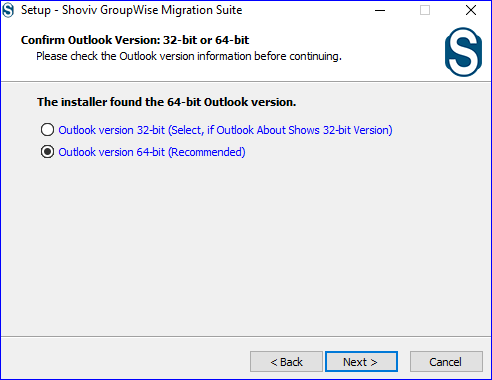
- Step 4: Now, kindly confirm your Outlook version in use: 32-bit or 64-bit, and click the Next button.
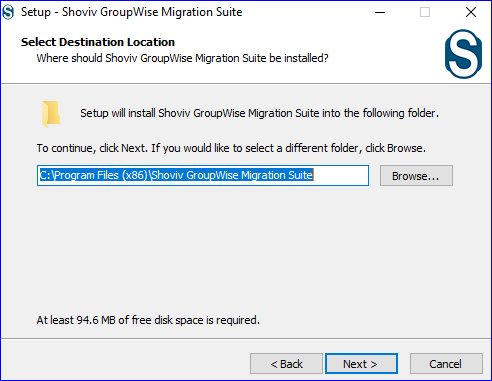
- Step 5: The setup will install the location to the following location. If you need to change it, tap the Browse button and choose a different location. Once done, continue with the Next
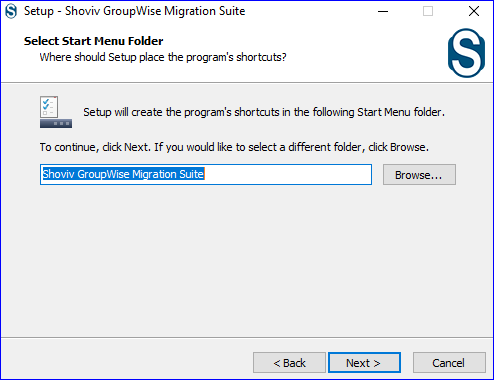
- Step 6: Thereafter, the setup will create the program's shortcut to the following Start Menu path, as shown in the screenshot below. You can also change this location as per your requirements. Click Next.
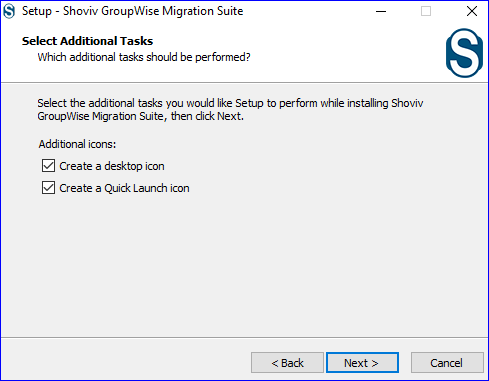
- Step 7: The installer file will give options for additional tasks along with the installation; check them to perform and tap the Next button.
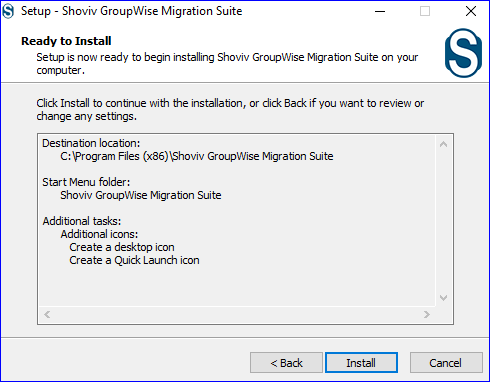
- Step 8: Begin the installation process by clicking the Install button.
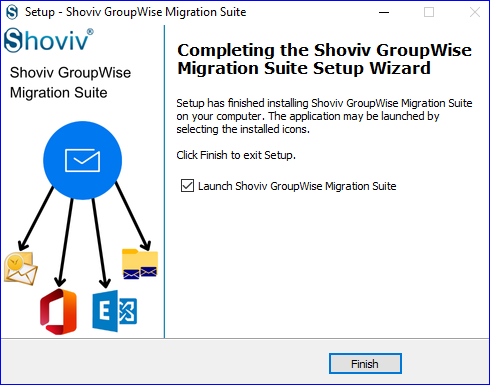
- Step 9: After installation, hit the Finish button.