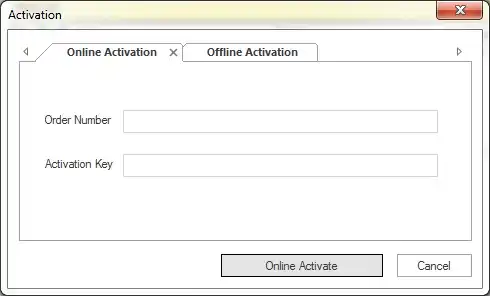
1. Online Activation
- After purchasing Shoviv Software, you will receive an email containing an Order Number and Activation key. To activate the license, the user needs to enter these values in the respective fields and click 'Online Activation'.
2. Offline Activation
- If online activation failed or due to some technical reason you aren't able to activate the product, then you can use offline activation method. Offline activation has two steps.
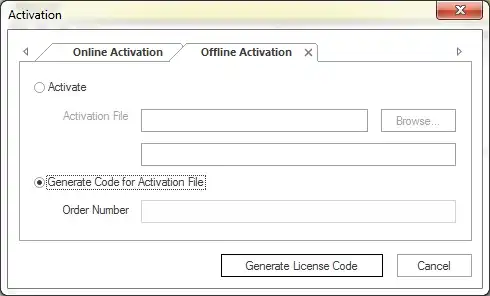
Generate Code for Activation File
You need to enter the order number in the respective field and then click Generate License Code button. A text file will generate on your desktop, you need to send that file to sales@shoviv.com. By using this file, we will generate an activation file and send it to you on your registered email address just after receiving email/request.
Activate
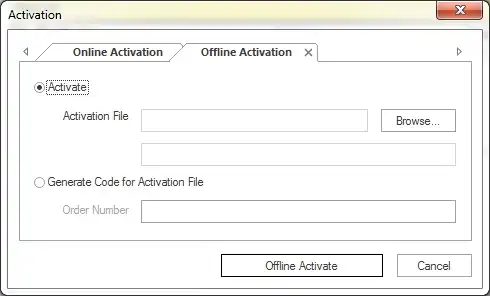
After receiving the activation file sent by Shoviv Software, all you need to do is go to offline activation and browse the activation file and hit Offline Activate button.
Using these two above-given methods, users can simply activate Shoviv Products.