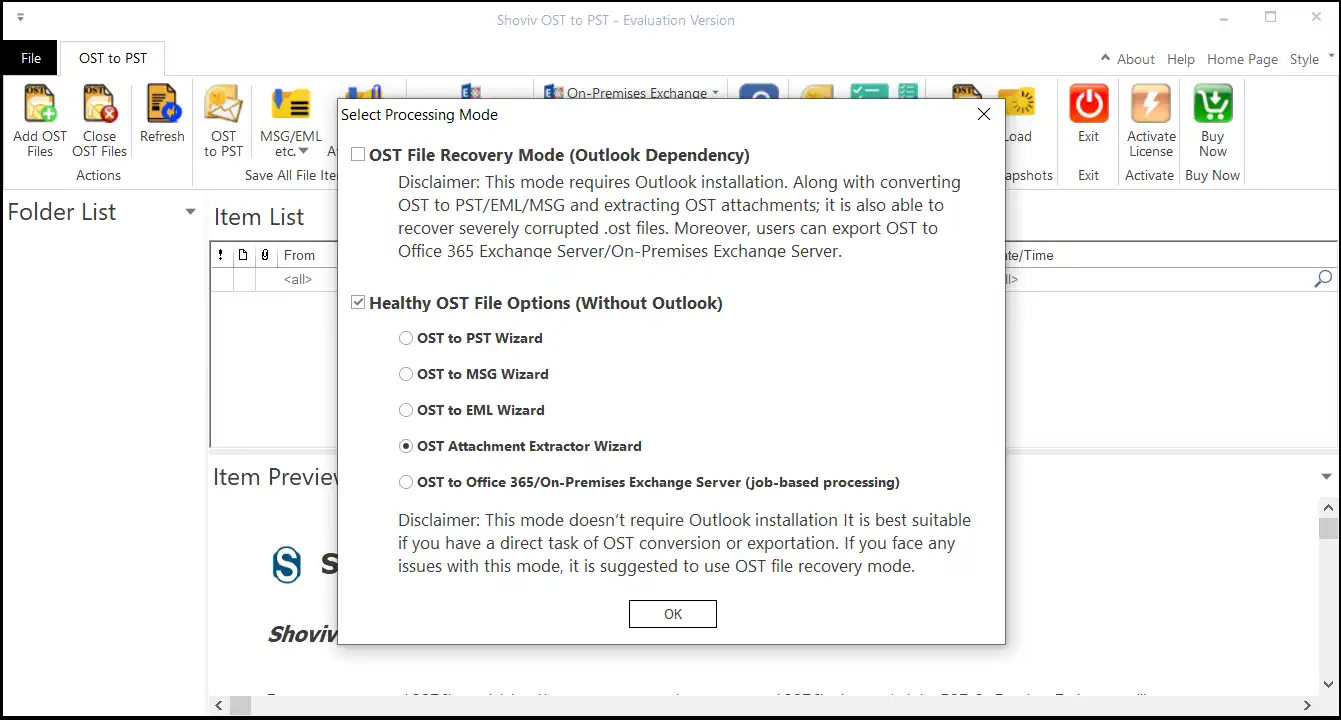
Step 1: Download and Install the Shoviv OST to PST Converter Tool Tick the Healthy OST File Options (Without Outlook), select the OST Attachment Extractor Wizard option and click the OK button.
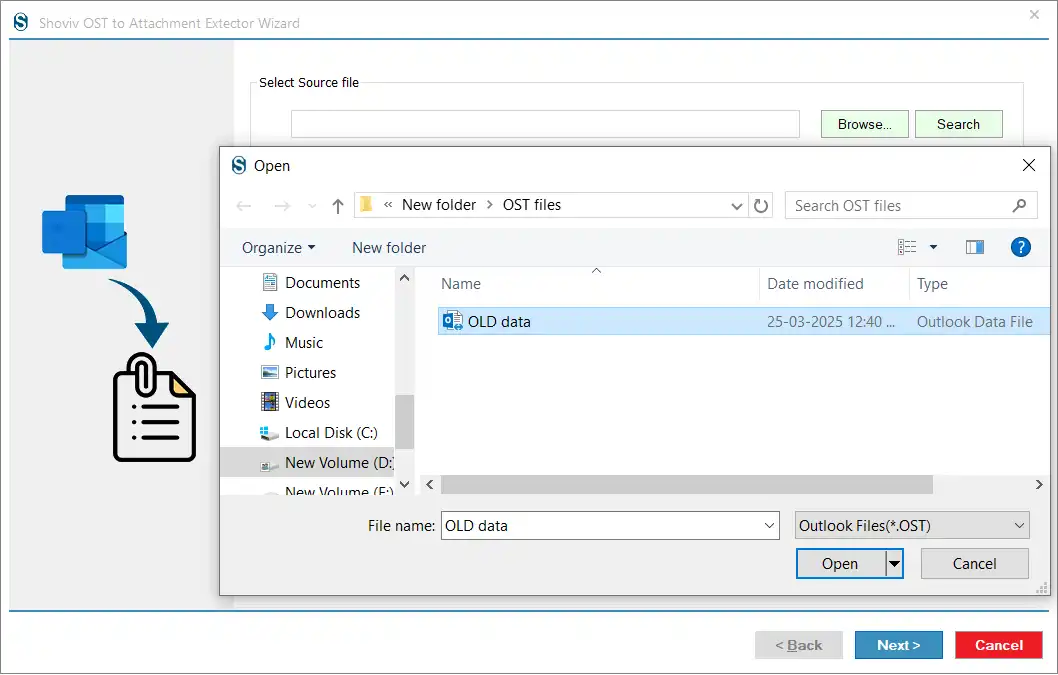
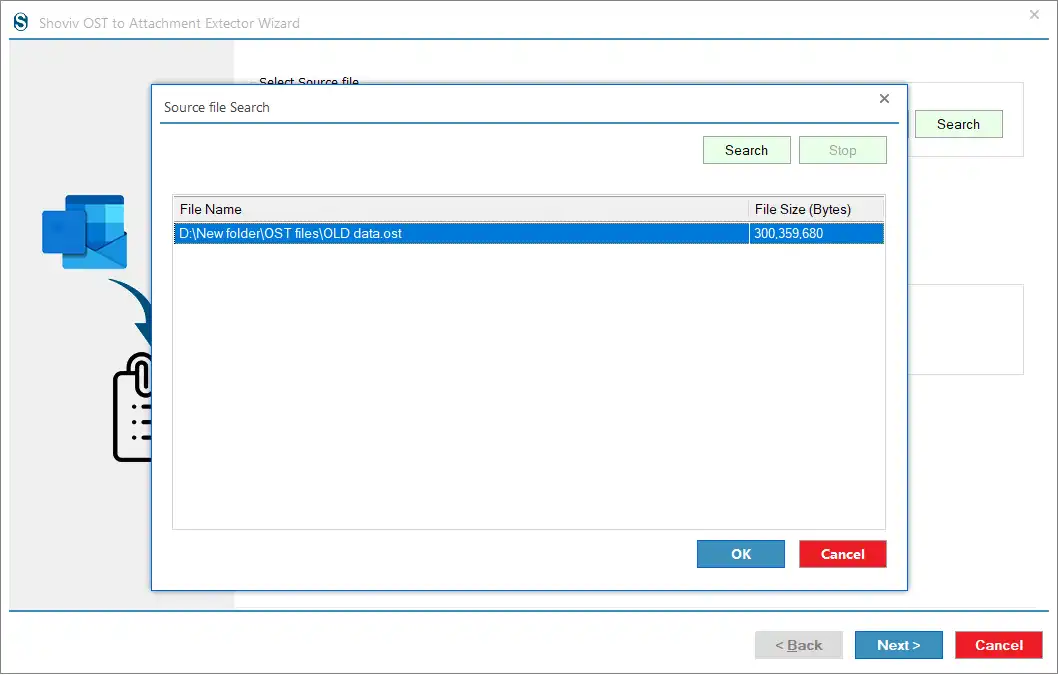
Step 2: Now, you can go with the option: Browse or Search to select the OST file.
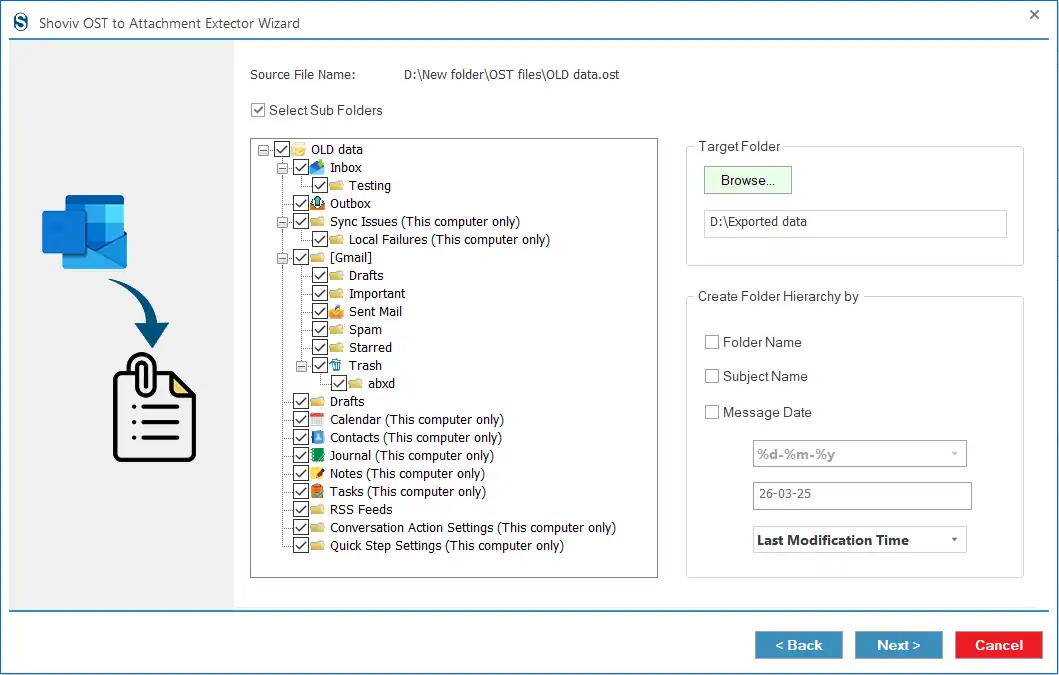
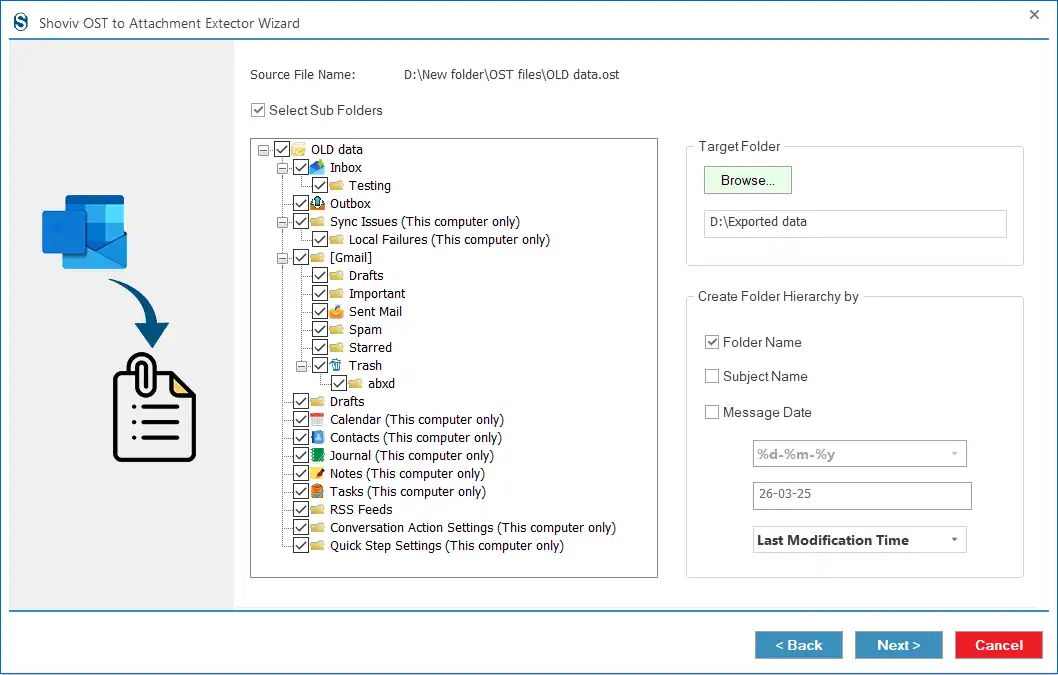
Step 3: Then, check the Select Subfolders option to include all subfolders in the OST file attachment extraction. Choose the Target Folder using the Browse button.
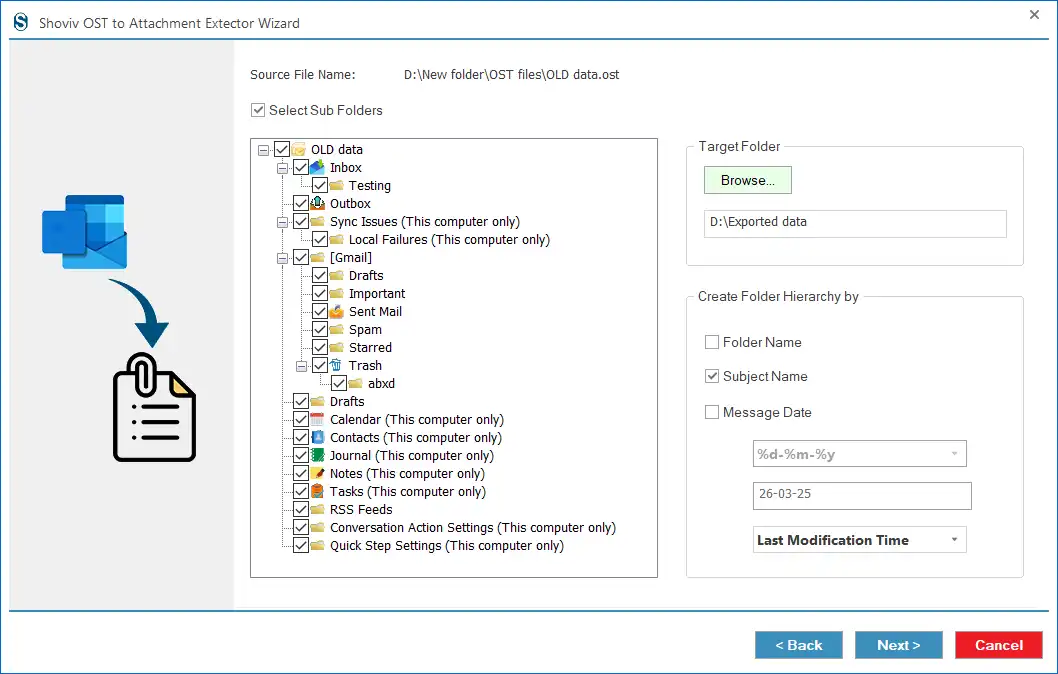
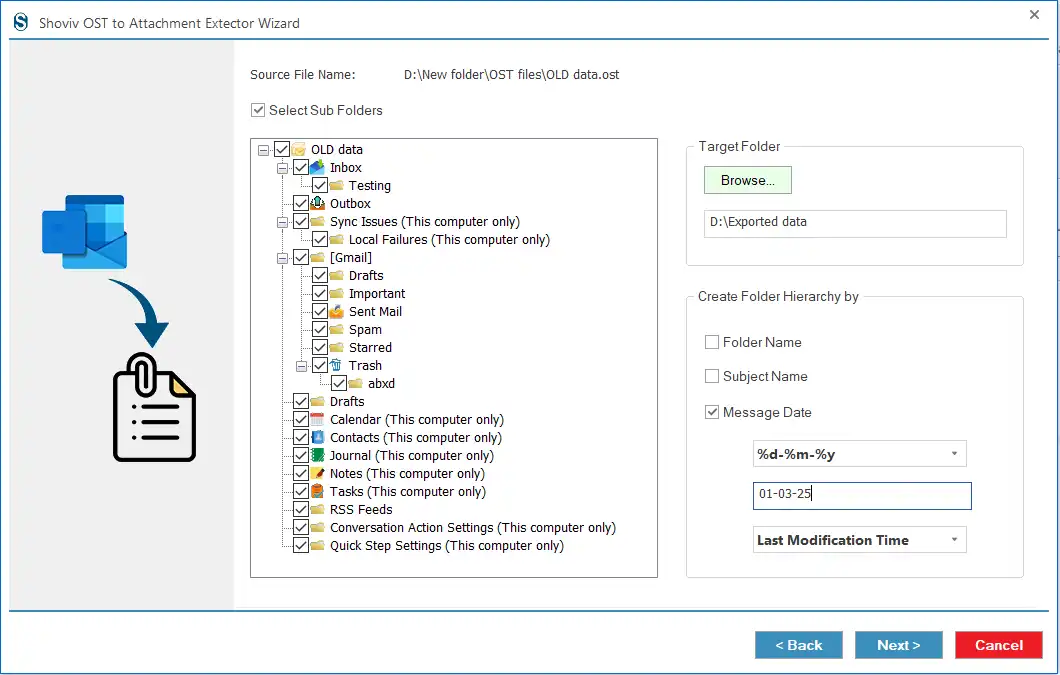
Step 4: Here, you have three options, Folder Name, Subject Name and Message Date, to create folder hierarchy in the target.
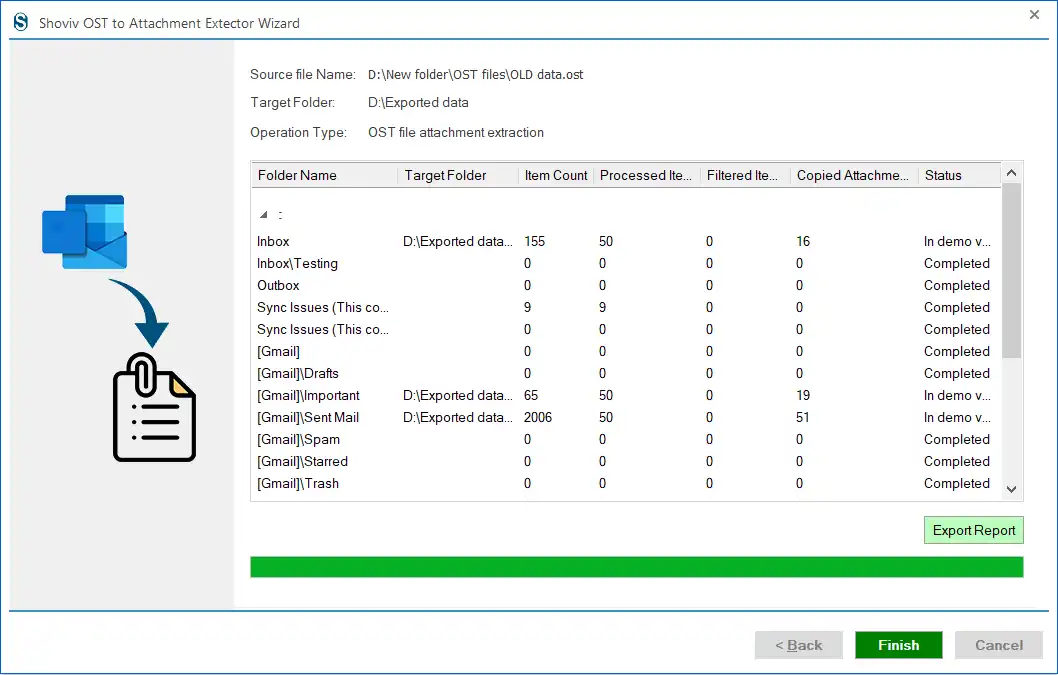
Step 5: Click the Next button to begin the OST file attachment extraction process. Finally, tap the Finish button once the task gets completed.