
Author name: Pradeep

Pradeep Katiyar is a true tech geek and fond of writing about new technology and Troubleshooting email client errors. In his spare time, you'll find him sharing how-to guides and making portraits. He has commendable command over Emailing and Troubleshooting.

Google Drive vs Dropbox for Business banner

Google Drive vs Dropbox for Business Get All Answers

Summary: Cloud storage has become a fundamental part of modern work, particularly for remote professionals and users who need seamless access to files across multiple devices. With numerous cloud storage platforms available today, selecting the right solution can feel overwhelming. This blog presents a clear and easy-to-understand comparison of Google Drive vs Dropbox Business, helping […]

Google Drive vs Dropbox for Business Get All Answers Read More »

Google Workspace Plans and price for business and individuals

Google Workspace (Gmail for Business) Pricing & Plans (2026)

Summary: Are you looking for clear and updated information on Google Workspace pricing and plans? You are landing on the right page! In this blog, we break down Google Workspace with its plan comparison, explain Gmail for business pricing in 2026, also cover what makes Google Workspace better with its competitors, and help you choose

Google Workspace (Gmail for Business) Pricing & Plans (2026) Read More »

Microsoft Office 365 vs SharePoint 2019 Server banner

Office 365 vs SharePoint 2019 What Suits You

Overview: With the rapid growth of cloud computing, organizations are rethinking how they manage information and collaboration. Many businesses that once depended on on-premises systems are now considering cloud platforms to gain better flexibility, accessibility, and cost efficiency. As a result, the topic Office 365 vs SharePoint 2019 has become increasingly important. Both platforms are

Office 365 vs SharePoint 2019 What Suits You Read More »

restore deleted events from Google Calendar

Ways To Restore Deleted Google Calendar Events

In daily life, we see that users generally easily restore deleted Google Calendar Events following the simple methods. For users, they quickly recover events from the Trash within 30 days. Users can undo by pressing the shortcut key Ctrl+Z or by clicking the Undo button. But, this is applicable only if you are aware of

Ways To Restore Deleted Google Calendar Events Read More »

OneDrive Not Uploading Files banner Image

OneDrive Not Uploading Files Troubleshooting Steps & Fixes

Summary – OneDrive is a widely used cloud storage platform that offers seamless syncing, sharing, and collection across devices. However, users often encounter upload failures—ranging from slow syncing, file errors, and connection issues, to complete upload freezes. This blog consolidates all the major causes behind OneDrive not uploading. It provides troubleshooting fixes to help restore

OneDrive Not Uploading Files Troubleshooting Steps & Fixes Read More »

Migrate to SharePoint Online Using PowerShell Quick Guide banner

Migrate to SharePoint Online Using PowerShell and Shoviv

Every company is looking for ways to streamline data management and modernise collaboration in today’s digital workspace. One of the popular steps toward this modernisation is migration from On-Premises SharePoint or file servers to SharePoint Online. While there are many migration processes available, PowerShell remains a go-to tool for IT Pros. It allows you to

Migrate to SharePoint Online Using PowerShell and Shoviv Read More »

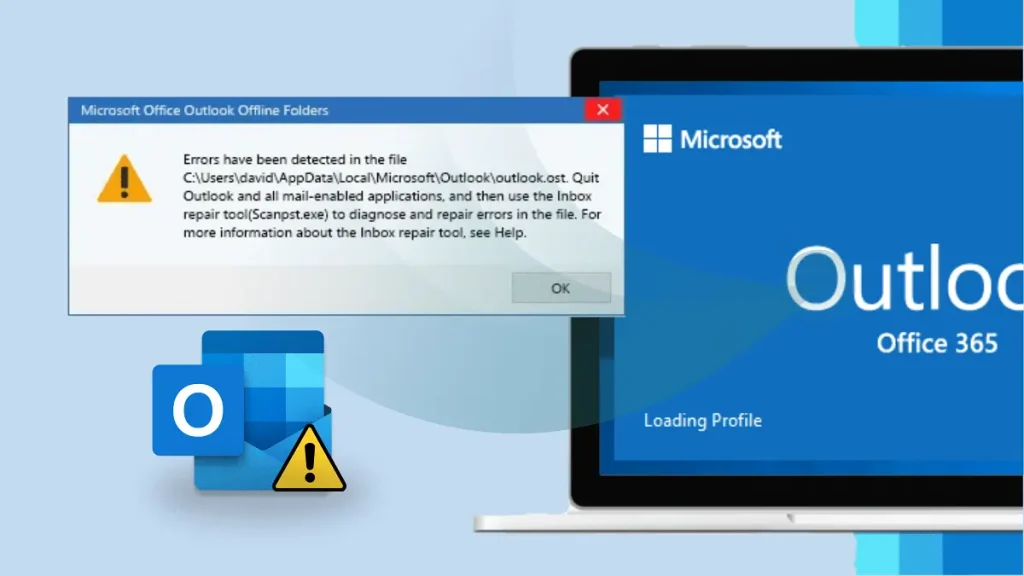
Errors Have Been Detected in the Outlook OST File

Fix ‘Errors Have Been Detected in the Outlook OST File’

Are you unable to open Outlook due to an error message — ‘Errors have been detected in the file Outlook.ost’? This issue prevents users from accessing their emails, contacts, and other mailbox data. Usually, it occurs because of corruption in the OST file, improper synchronisation, or system crashes. In this guide, we’ll explain what this

Fix ‘Errors Have Been Detected in the Outlook OST File’ Read More »

Apple Mail vs Outlook

Apple Mail Vs Outlook: What Suits You?

Summary: Apple Mail and MS Outlook stand as two of the most widely used email clients today. Apple Mail offers effortless simplicity and tight integration with the Apple ecosystem. At the same time, Outlook delivers business-grade power, collaboration features, and cross-platform compatibility. This blog compares both clients in detail to help you choose the one

Apple Mail Vs Outlook: What Suits You? Read More »

Scroll to Top