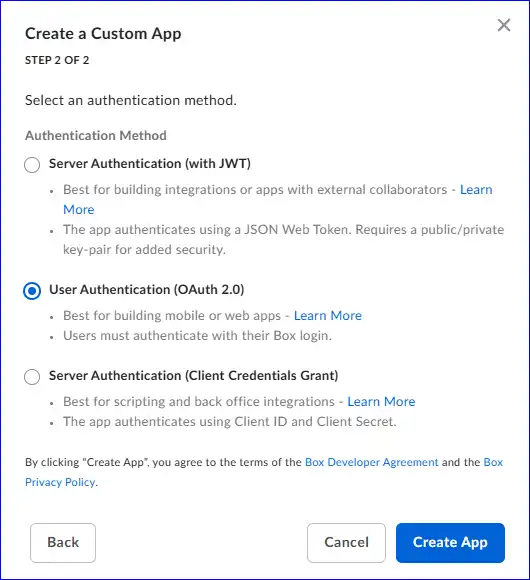
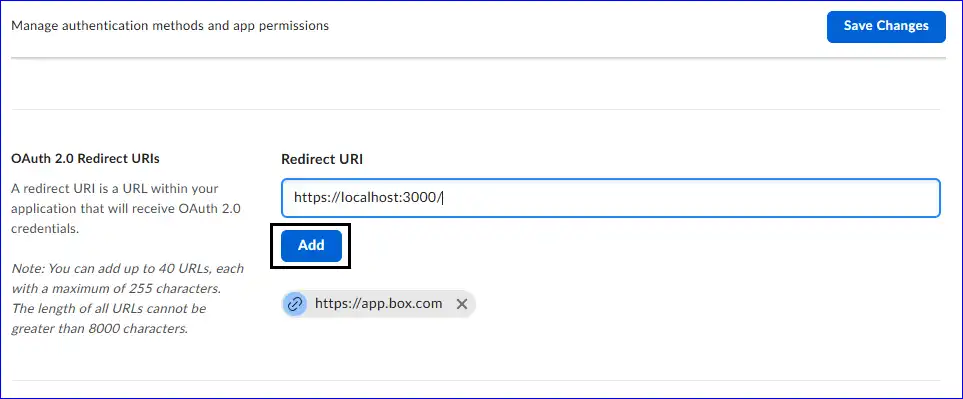
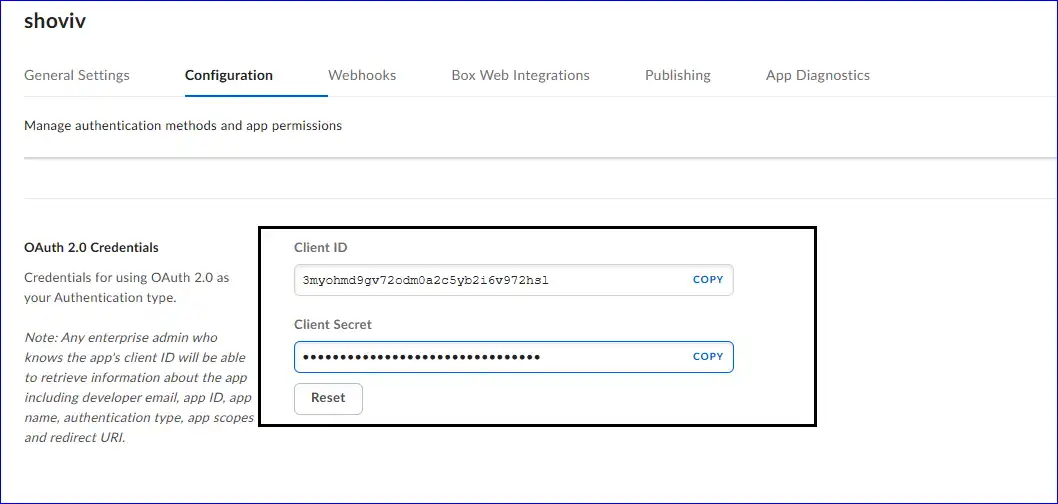
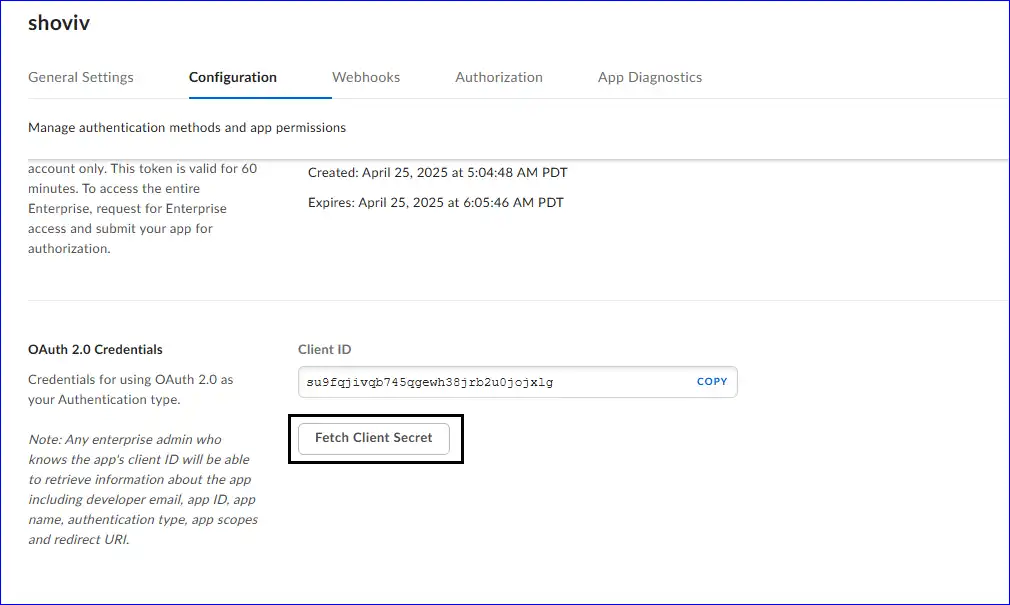
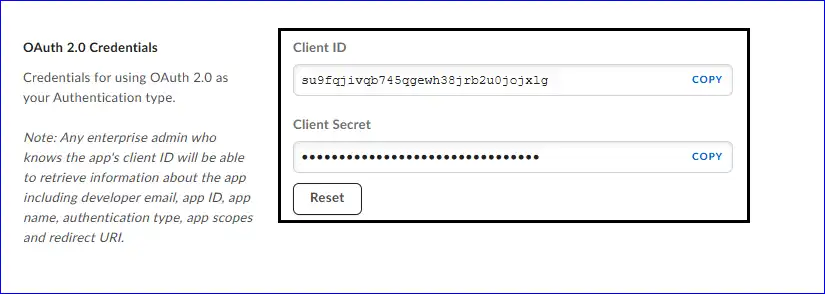
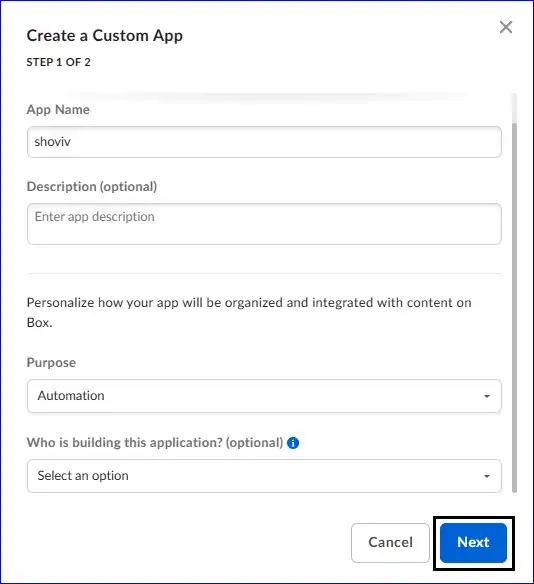
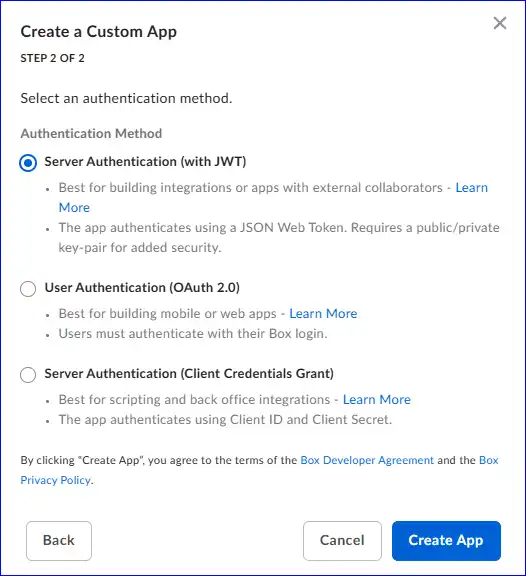
1. For the Box (Personal / Individual) Account: For the Box individual account, you need to provide the Client ID and Client Secret.
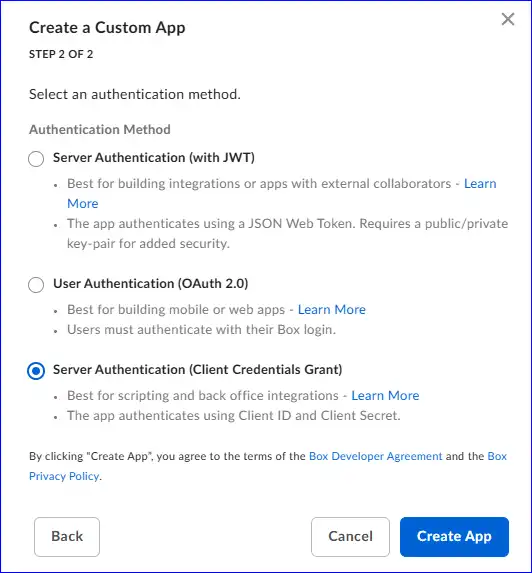
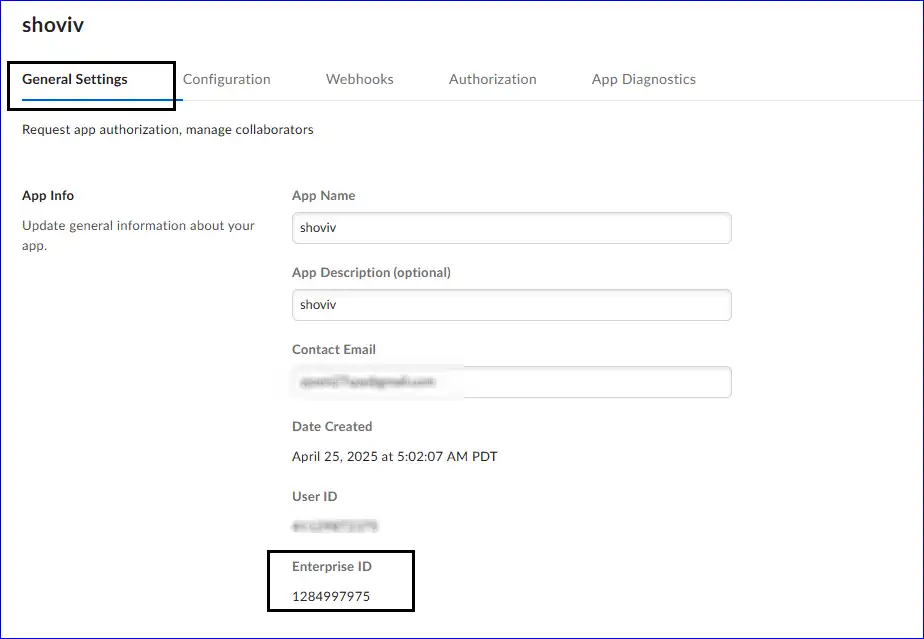
2. For the Box Business/ Enterprise Account: To connect the Box Business/Enterprise Account, you can either connect via JWT Authentication or CCG Authentication.
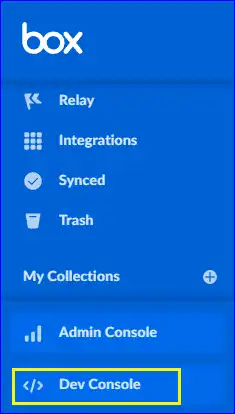
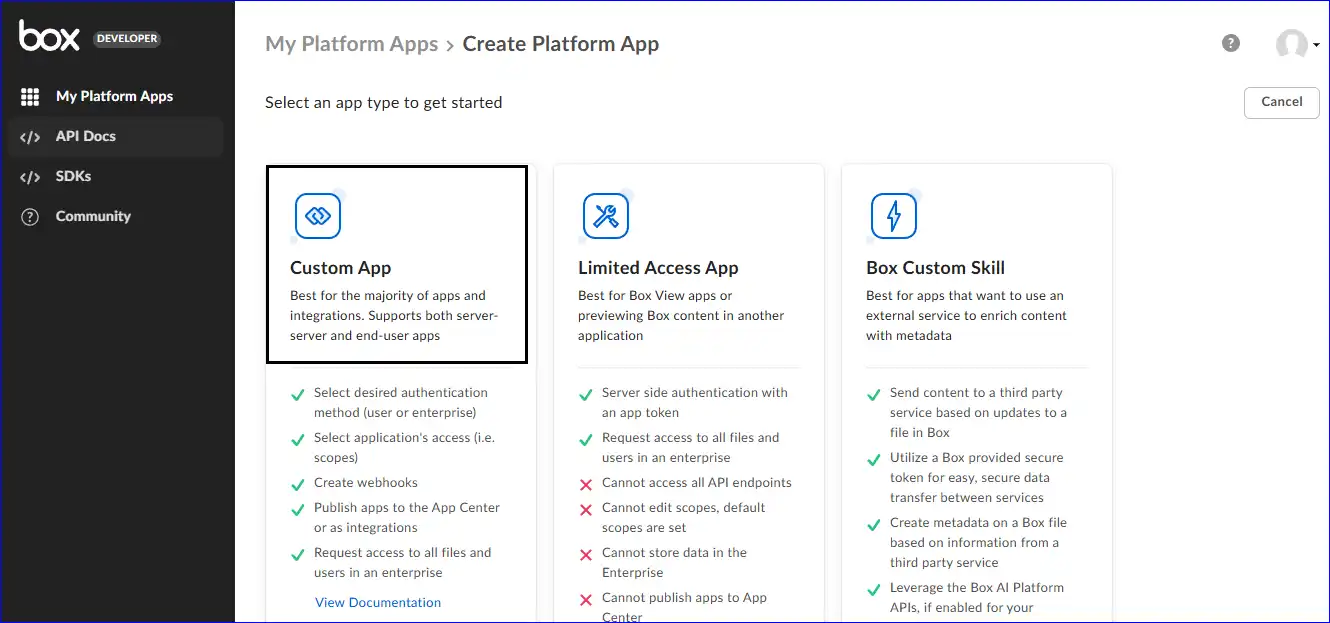
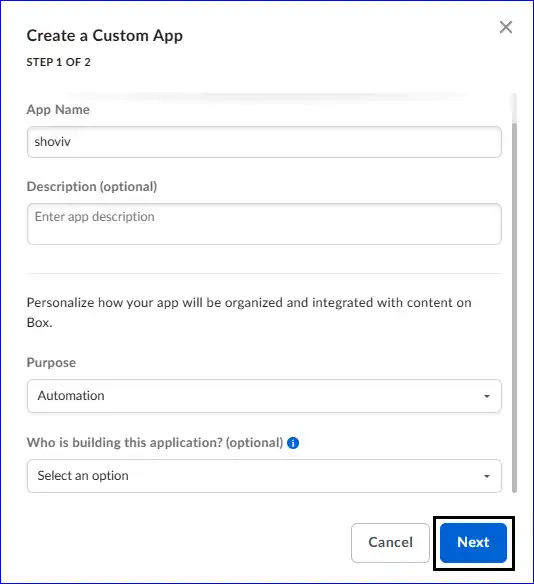
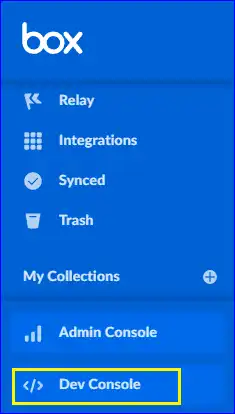
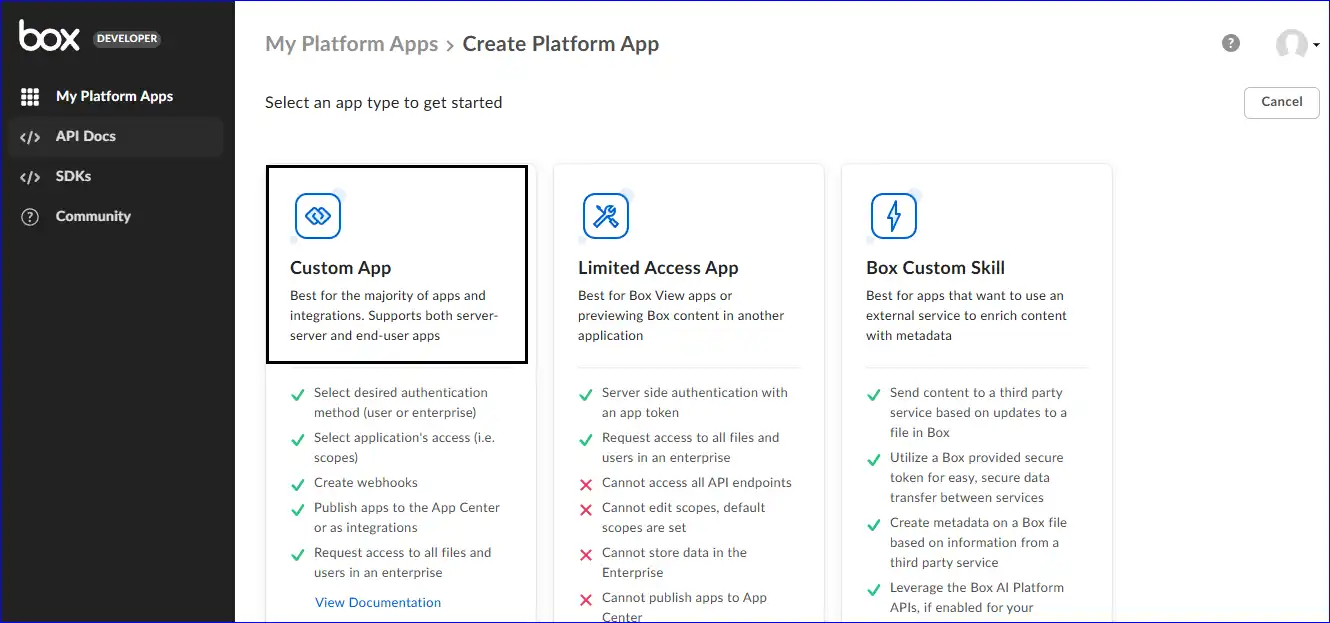
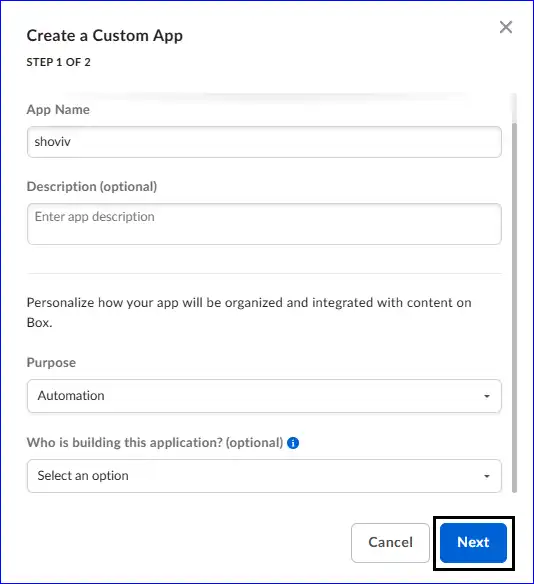
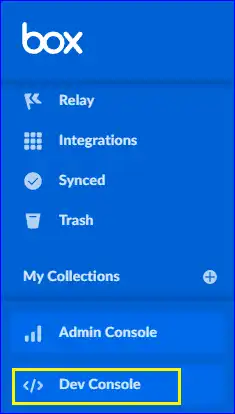
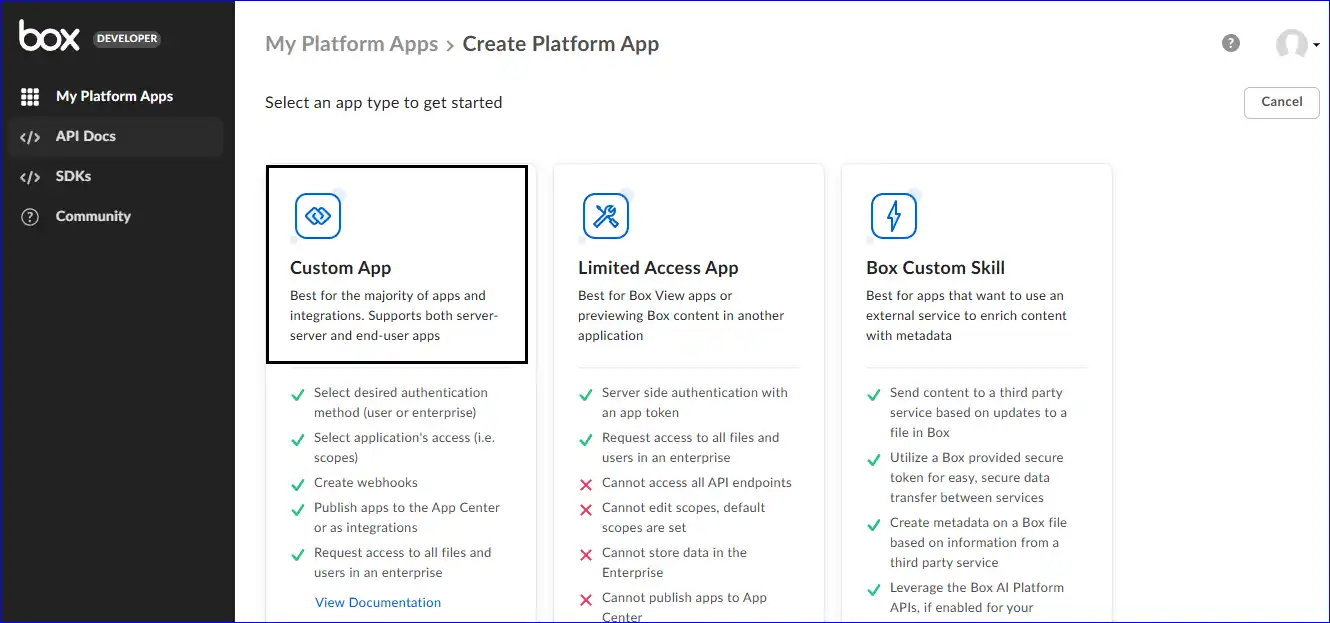
Steps to Get Client ID and Client Secret for Box (Personal/Individual) Account:
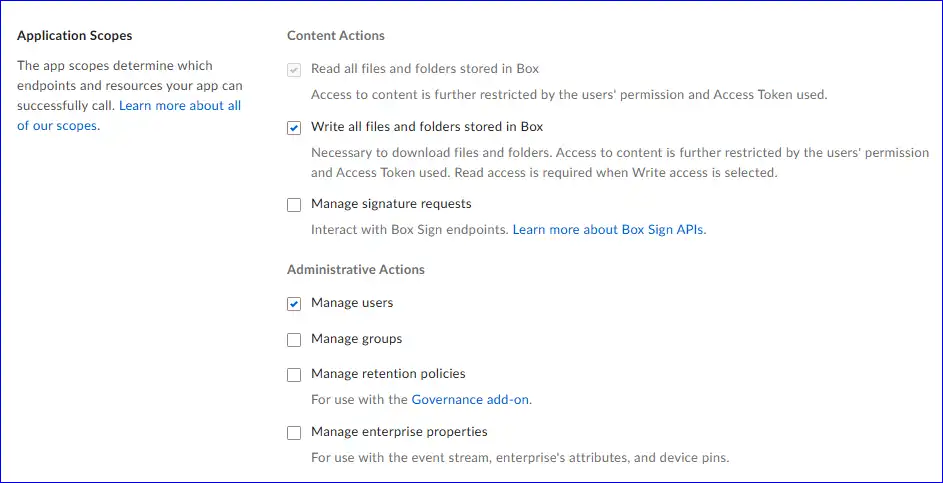
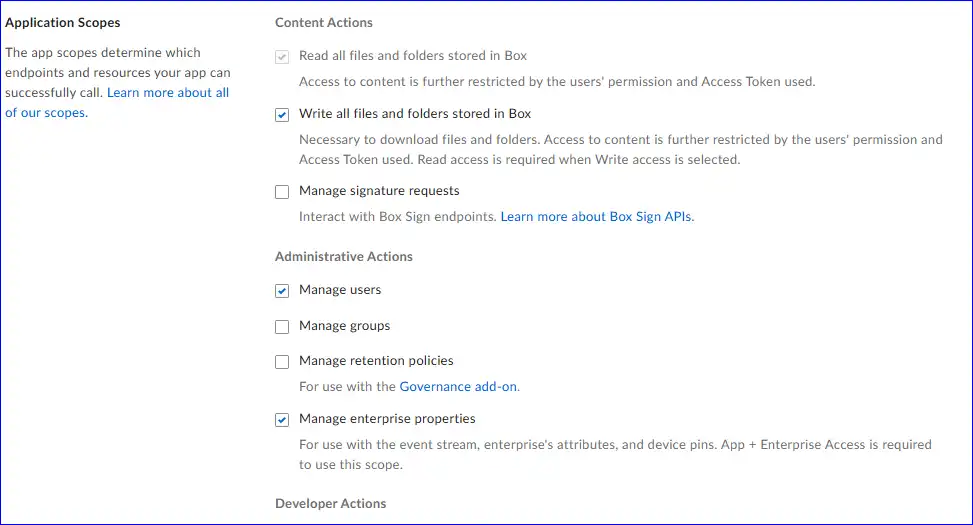
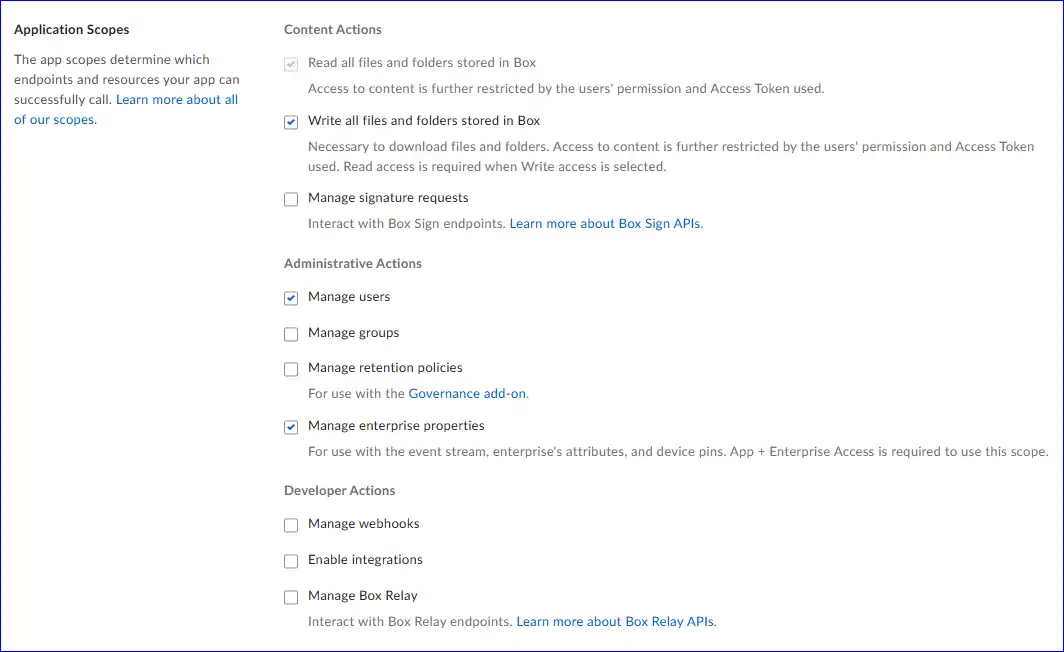
01. Content Actions
02. Administrative Actions
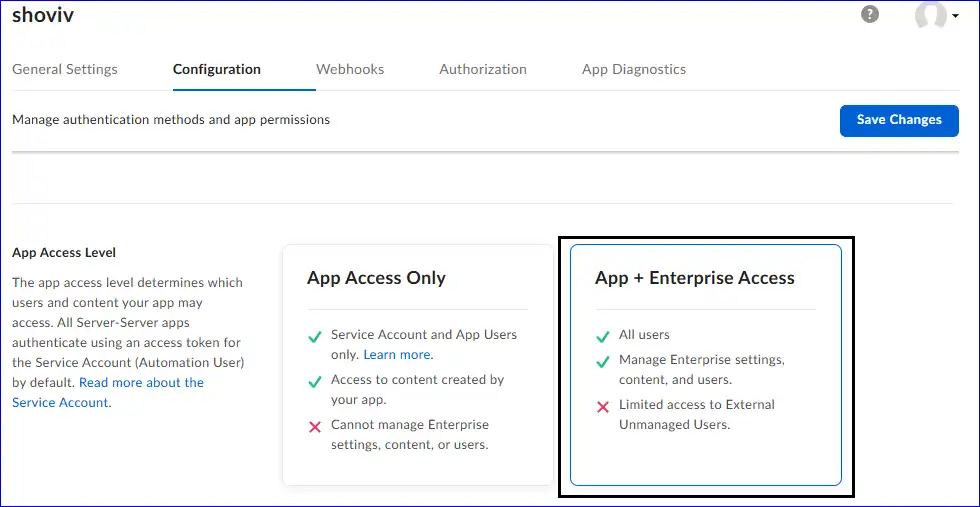
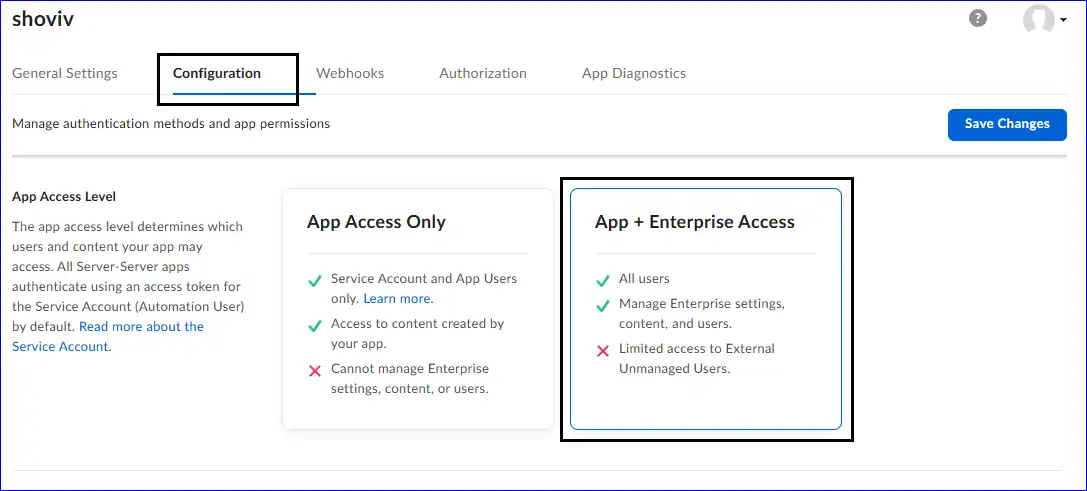
Follow the Below-Given Steps for the Server Authentication through Client Credentials Grant (CCG)
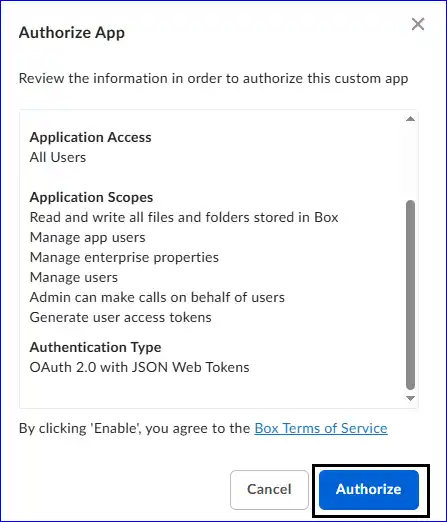
01. Content Actions

02. Administrative Actions
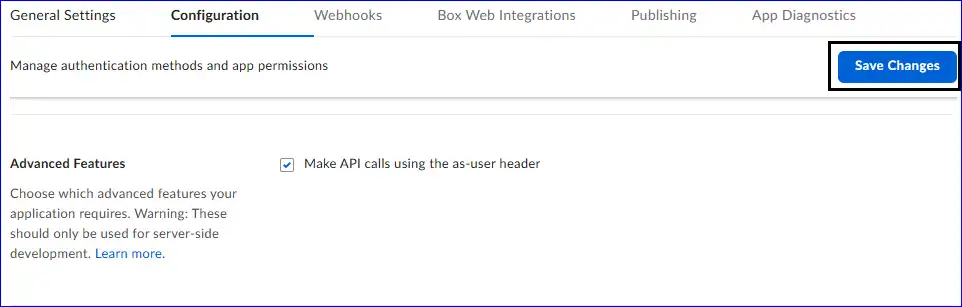
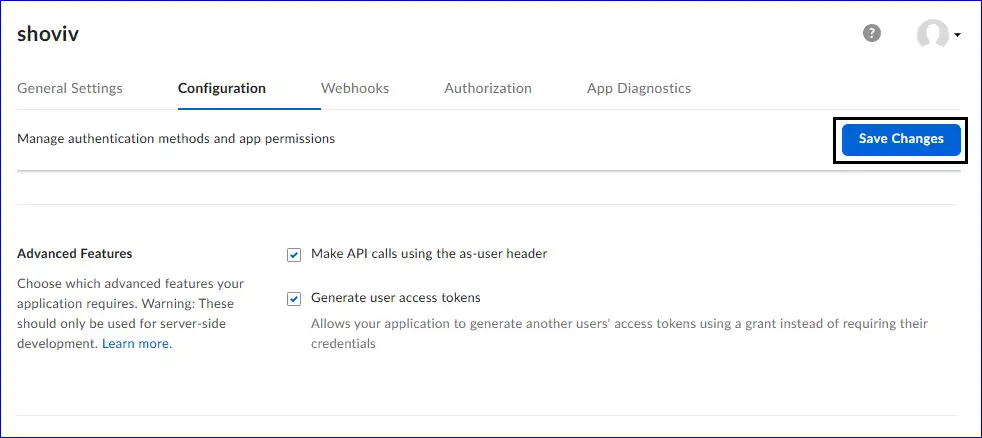
03. Advanced Features
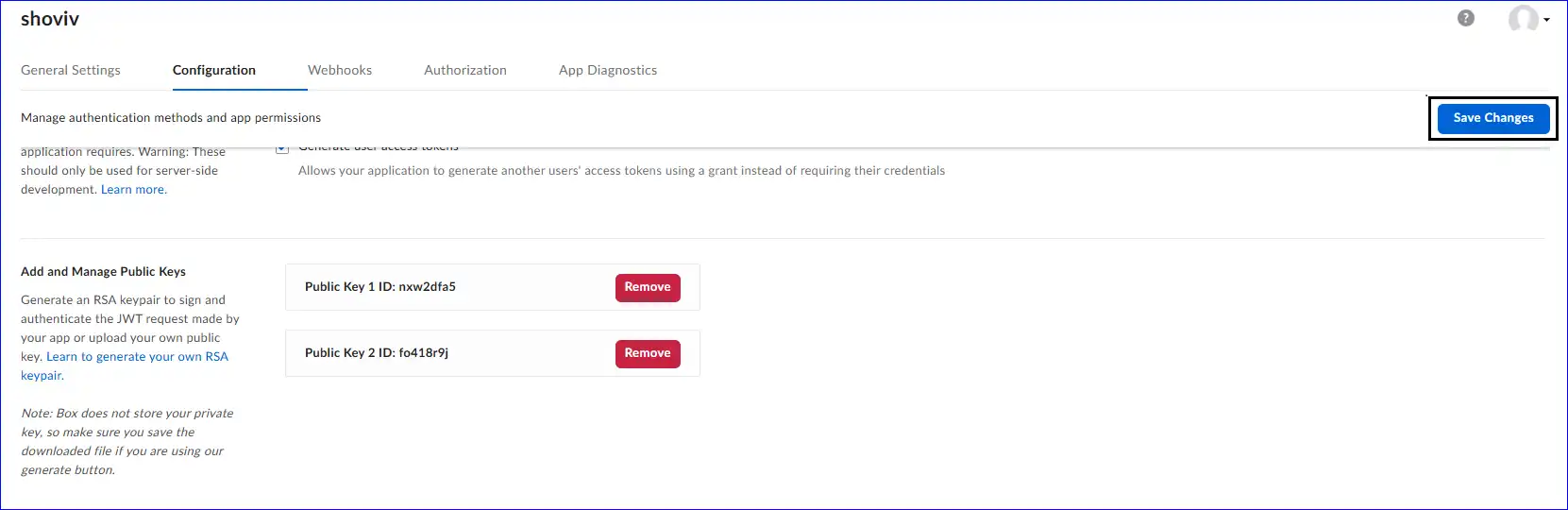
After selecting all the above-given scopes, click on the “Save Change”.
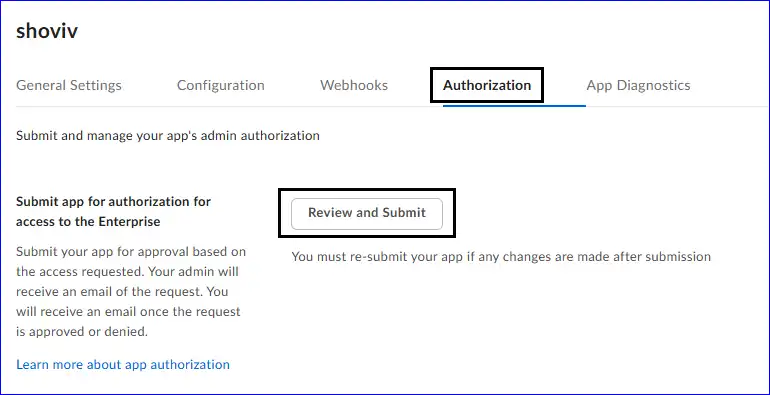
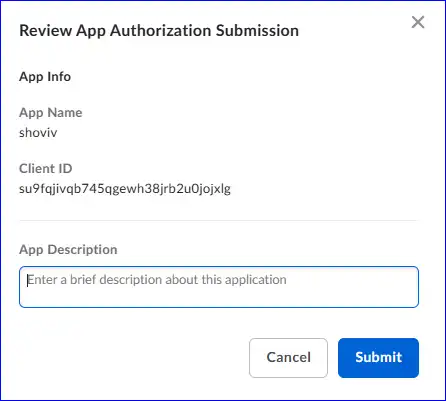
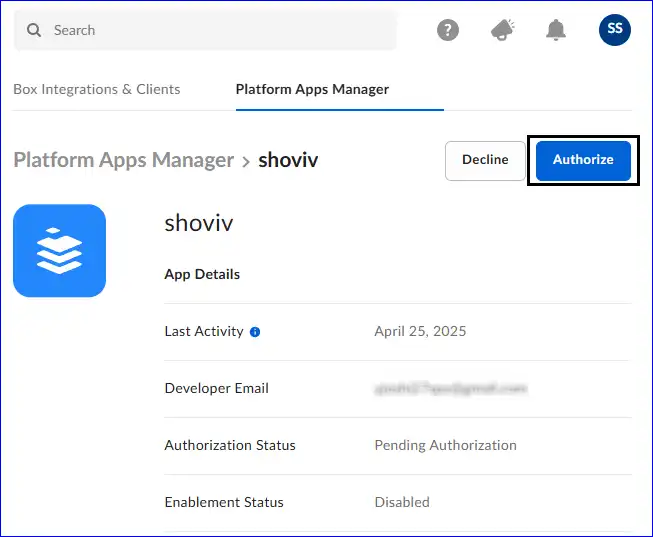
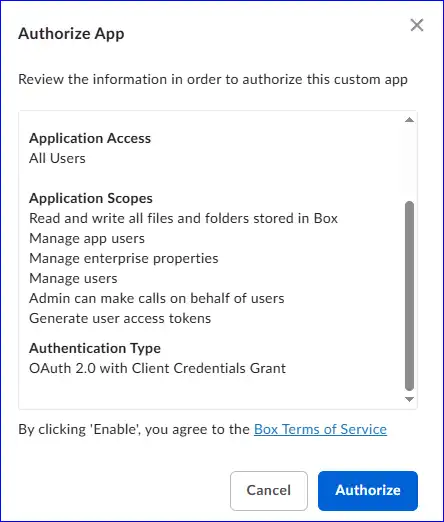
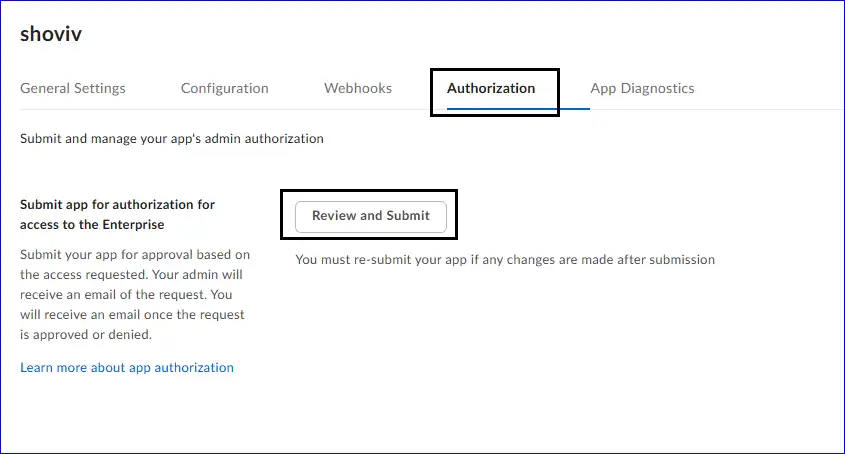
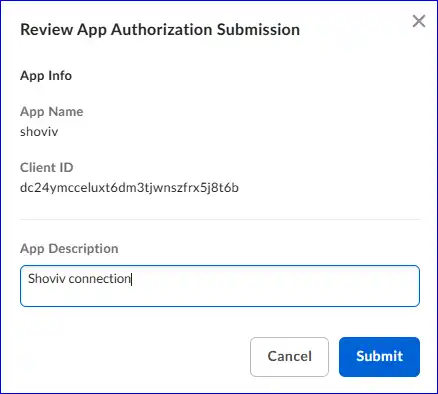
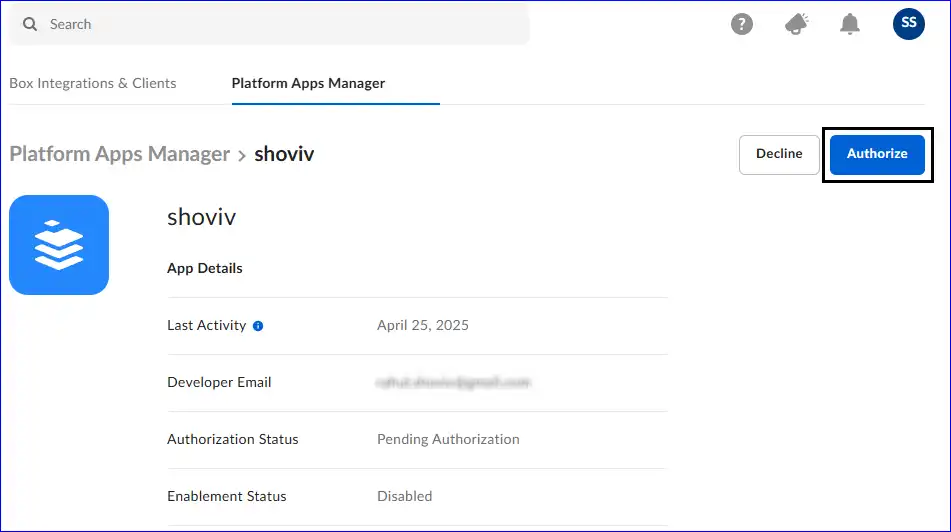
Note - You will get an email from your registered email account. Move ahead for authorizing.
Here, Learn the Steps for Server Authentication with JWT:
01. Content Actions
02. Administrative Actions
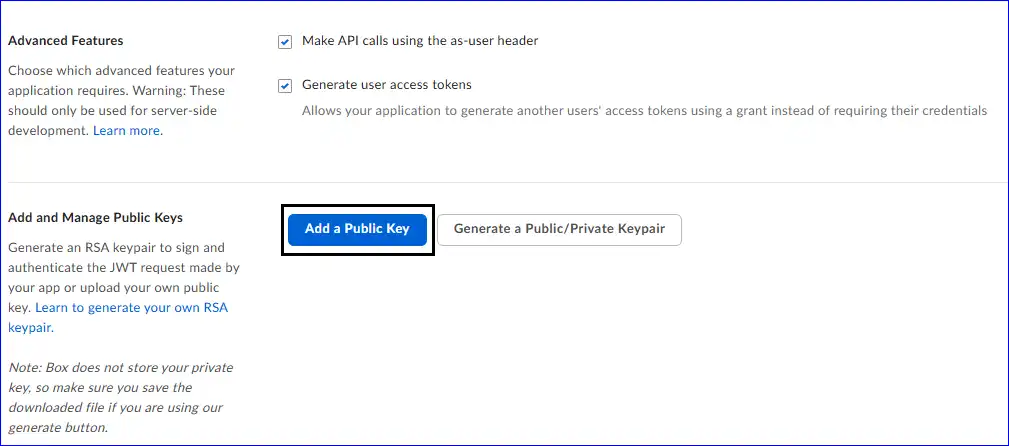
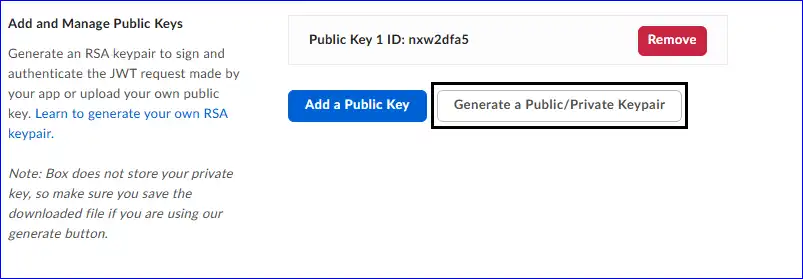
03. Advanced Features
Note - A JSON (JWT Configuration File) will be downloaded; use it to connect with the Shoviv Application.
Note - You will get an email from your registered email account. Move ahead for authorizing.