Steps to Connect Wasabi with Shoviv Cloud Drive Migrator:
Follow the steps:
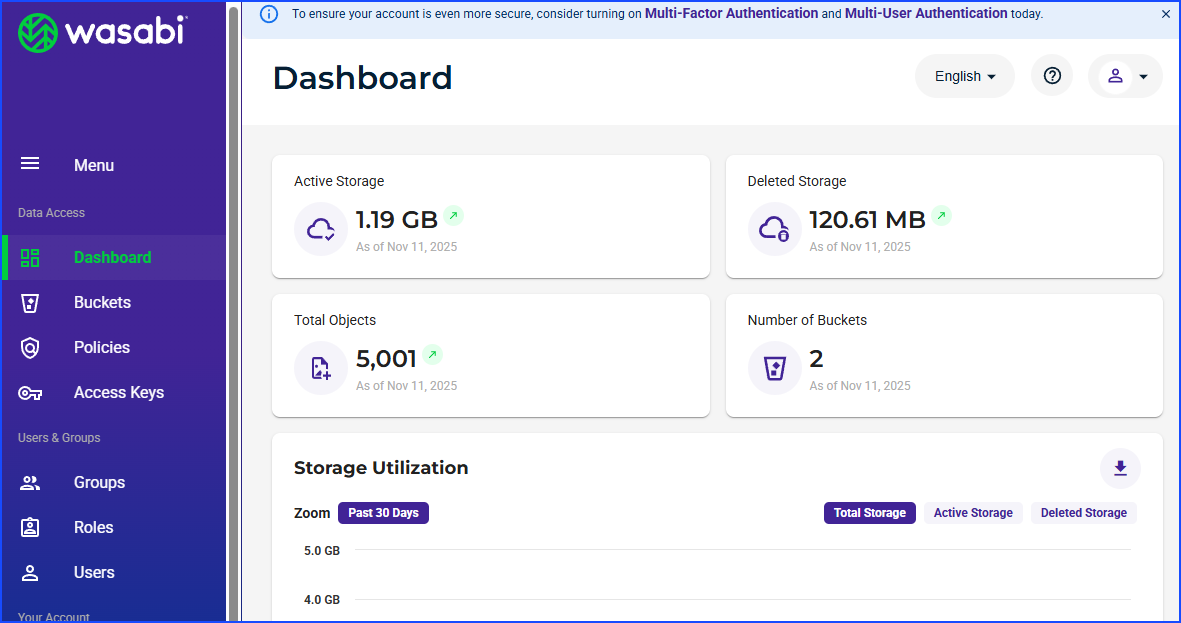
Firstly, log in to your Wasabi account and open the dashboard.
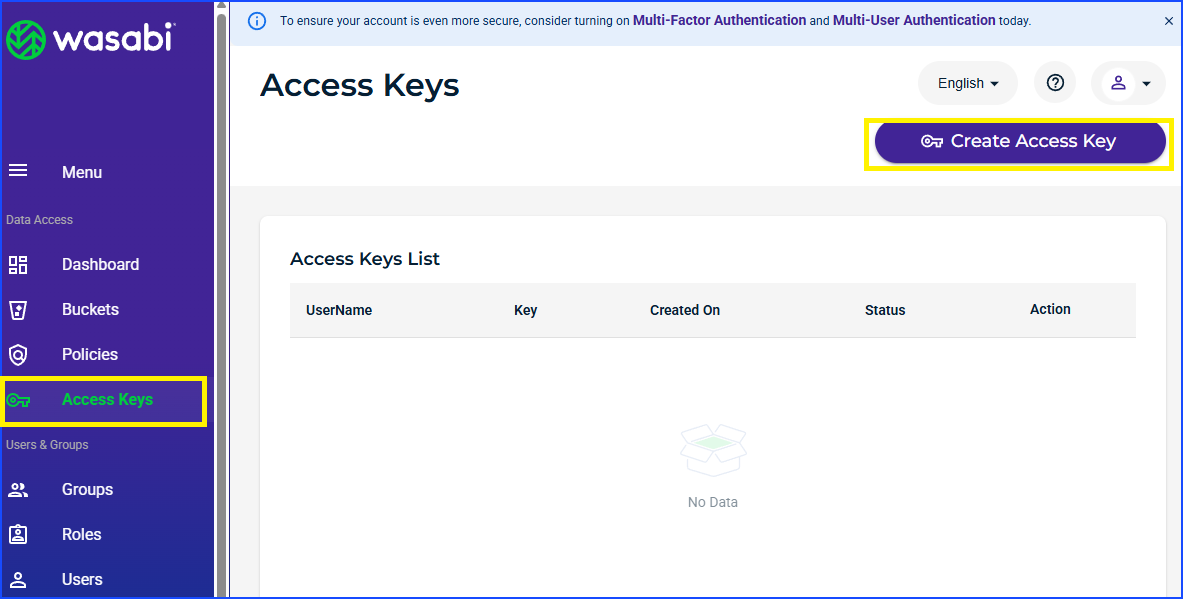
Click Access Keys button on the left pane, then Create Access Keys.
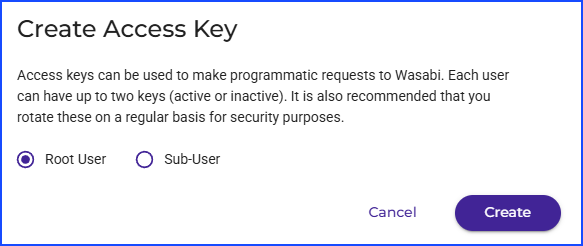
Select the “Root User” radio button and click on the Create.
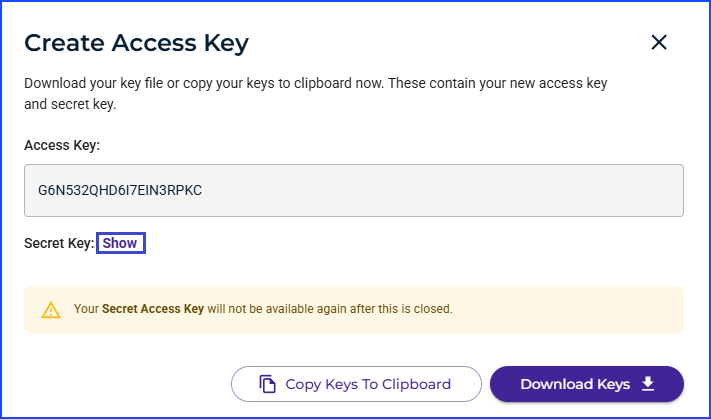
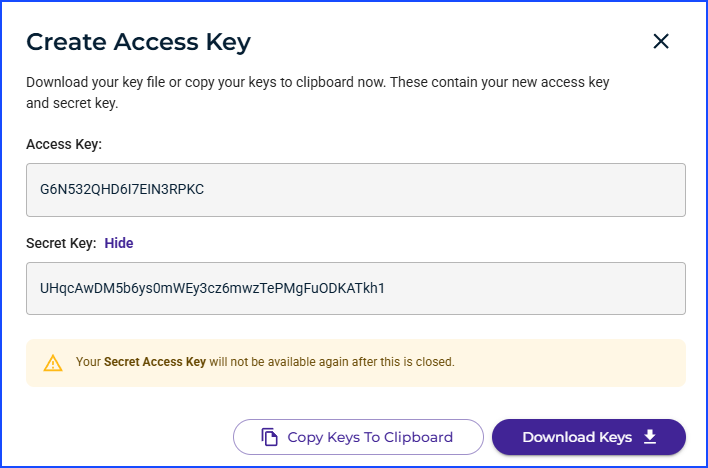
Your Access Key will be created. Now, click on the Show button next to Secret Key.
Now you can see the Access Key and Secret Key. You can directly Copy Keys to the Clipboard or Download Keys using the appropriate button. Use Access Key and Secret Key to connect your Wasabi account with the Shoviv Cloud Drive Migrator.