If you are still using a Verizon.net email and looking for a reliable way to migrate emails from Verizon to AOL, this blog will guide you through the complete process. Since Verizon discontinued its email services, many users have had trouble accessing their old emails, making Verizon email migration to AOL essential.
Here, we will cover practical methods to transfer Verizon.net to AOL, highlight key challenges users may face, and explain how to migrate Verizon email safely so you can continue to access Verizon email on AOL without any data loss.
What Initiates Users to Migrate Emails from Verizon to AOL?
There are several practical reasons why users prefer Verizon email migration to AOL. Since Verizon discontinued its email services, users often face multiple challenges while trying to manage or access their old data. Below are the key reasons to migrate Verizon email to AOL.
1. Discontinuation of Verizon Email Services
Verizon officially shut down its email services in 2017, which means users can no longer manage their accounts independently. To continue using their existing email addresses, users must rely on platforms like AOL, which means transferring Verizon.net to AOL.
2. Limited Accessibility and Login Issues
Many users experience problems with Verizon AOL email login, such as repeated password prompts or difficulty accessing old mailboxes. Migrating emails to AOL helps avoid these issues and ensures smoother access.
3. Lack of Synchronisation Support
Verizon primarily worked on older configurations, which could lead to duplicate emails and poor synchronization across devices. In contrast, AOL supports IMAP, allowing users to access Verizon email on AOL seamlessly across multiple devices.
4. Risk of Data Loss and Mismanagement
When emails are scattered or not properly synced, there is always a risk of losing important messages, attachments, or folders. A proper Verizon email migration to AOL ensures that all data is stored securely in one place.
5. Need for Better Features and Security
AOL offers improved features such as advanced spam filtering, better security options, and a more user-friendly interface. It makes it a more reliable platform to manage emails compared to the older Verizon system.
Professional Method to Migrate Emails from Verizon to AOL
For a smooth and secure Verizon email migration to AOL, using a professional solution is the most effective approach. The Shoviv IMAP to IMAP Migration Tool allows users to directly transfer Verizon.net to AOL without the limitations of manual methods.
This tool is built to simplify the migration process by connecting source and target accounts using IMAP, ensuring all emails, attachments, and folders are transferred accurately. Users can easily migrate their Verizon email and continue to access Verizon email on AOL without any data loss or disruption.
Steps to Transfer Verizon Emails to AOL:
- Install and open the Shoviv IMAP to IMAP Migration Tool.
- Create a Source Connection by entering Verizon IMAP details.
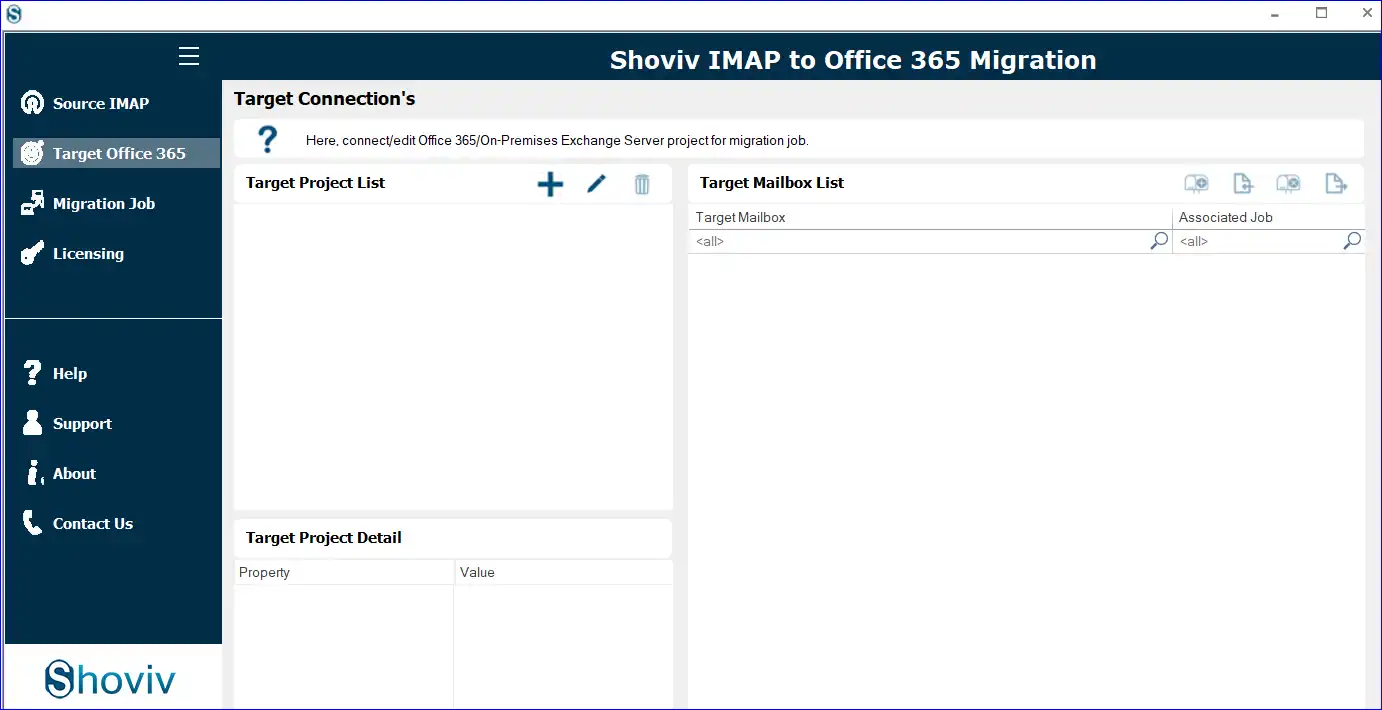
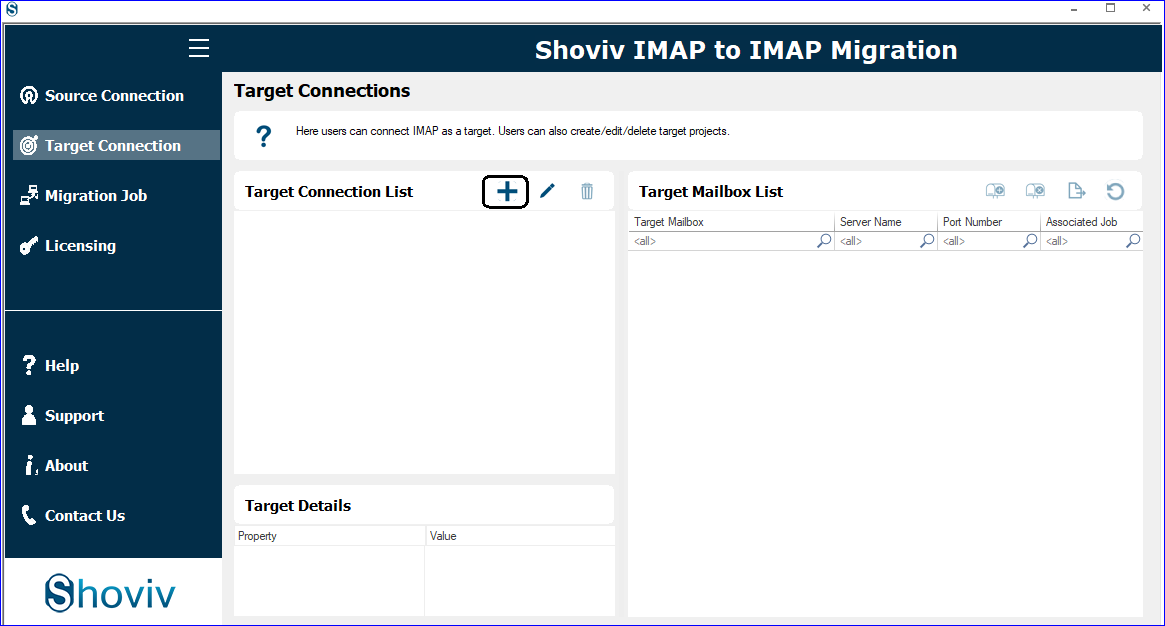
- Create a Target Connection using AOL account credentials.
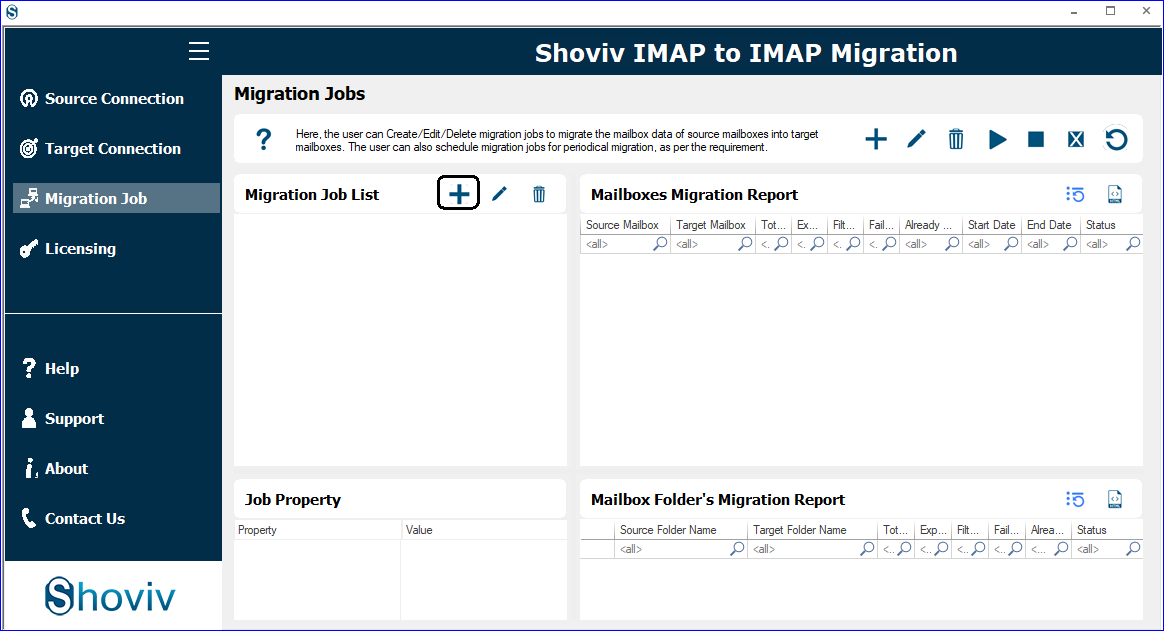
- Start a new Migration Job and assign the source and target.
- Map Verizon mailboxes with AOL mailboxes.
- Apply Filters (date, folder, etc.) if required.
- Configure Settings like thread count and retry attempts.
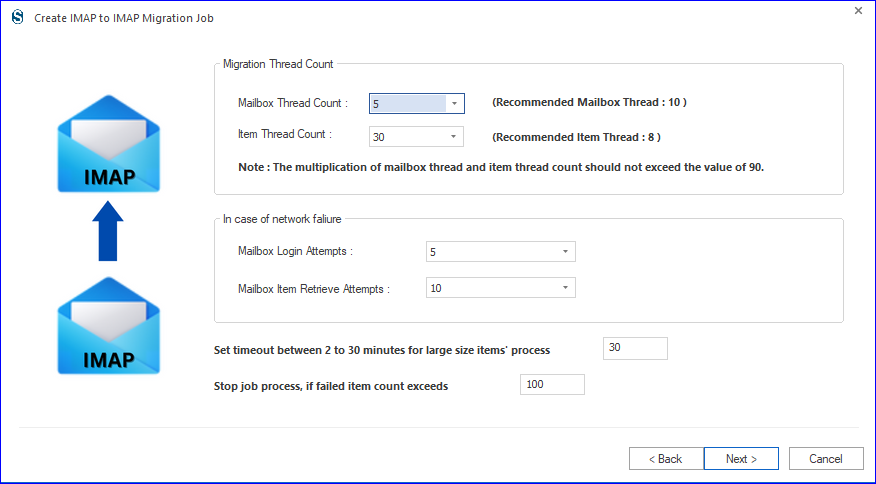
- Choose between Immediate Migration or Schedule Job.
- Review the Job settings and start the process.
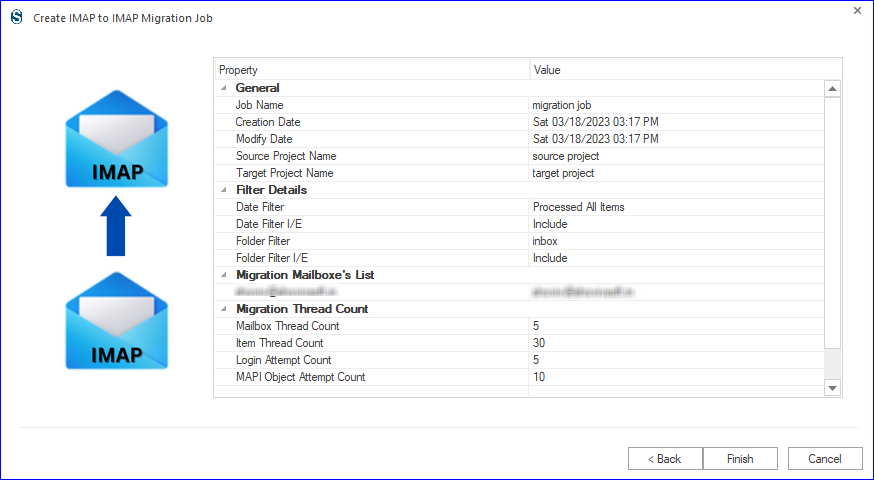
- The tool will begin transferring emails from Verizon to AOL. Monitor the job progress within the dashboard.
- Verify migrated data in the AOL account.
- Complete migration and ensure all emails are accessible in AOL.
Key Features of the Shoviv IMAP to IMAP Migration Tool
- Supports migration from all IMAP-based email services.
- Allows multiple mailbox migrations in a single process.
- Maintains folder hierarchy and data integrity.
- Provides incremental migration to avoid duplicate items.
- Offers filter options for selective data migration.
- Includes a user-friendly interface for easy operation.
Manual Method to Transfer Verizon.net to AOL
There is no direct manual method available for complete Verizon email migration to AOL. However, users can still try a workaround using IMAP-supported email clients like Microsoft Outlook or Mozilla Thunderbird to transfer Verizon.net to AOL.
Steps to Migrate Verizon Email Manually
- Open Microsoft Outlook or Mozilla Thunderbird on your system.
- Add your Verizon email account using IMAP settings.
- Add your AOL account to the same email client using IMAP configuration.
- Wait for both accounts to sync completely.
- Create a new folder under the AOL mailbox (optional for better organization).
- Select the emails or folders from the Verizon account.
- Drag and drop or copy them into the AOL mailbox folders.
- Allow time for the data to upload and sync to the AOL server.
Note: Simply logging in using Verizon AOL email login does not migrate your data. It only allows you to access Verizon email on AOL, not transfer or store it permanently in your AOL account.
Drawbacks of the Manual Method:
- No direct way to migrate emails from Verizon to AOL, only a workaround.
- Takes a lot of time, especially for large mailboxes.
- Chances of missing emails or attachments during transfer.
- Not suitable for migrating multiple accounts together.
- Requires technical setup in tools like Microsoft Outlook or Mozilla Thunderbird.
Gist of the Blog:
Migrating emails can seem challenging, especially when dealing with discontinued services like Verizon. In this blog, we have explained how to migrate emails from Verizon to AOL using both manual and professional methods. While manual approaches can help in limited cases, they come with several drawbacks. They are not suitable for a complete Verizon email migration to AOL.
To avoid these problems, using the Shoviv IMAP to IMAP Migration is a better choice. It allows users to transfer Verizon.net to AOL securely while maintaining data integrity. By choosing the right method, users can easily access Verizon email on AOL without any risk of data loss.
Frequently Asked Questions:-
You can use an IMAP-supported email client for manual transfer, but for complete and accurate Verizon email migration to AOL, using a professional tool is recommended.
Yes, using the Verizon AOL email login, you can access your emails. However, this does not transfer or store your data permanently in AOL.
Yes, manual methods may lead to missing emails or attachments, especially when dealing with large mailboxes.
Yes, the Shoviv IMAP to IMAP Migration Tool allows users to migrate multiple mailboxes in a single process.
Yes, the tool maintains the original folder hierarchy during the migration process.
Yes, a trial version is available that allows limited email migration so users can test its functionality.