Author name: Stuart

Stuart Clark is working as a technical content writer at Shoviv Software for the last 9 years. He specializes in crafting informative and engaging articles for diverse audiences. With a solid understanding of complex technologies, he explains complex concepts in a simpler manner that Leyman users can also understand easily. He has vast expertise in writing articles related to email and cloud niches. Apart from that, he likes to research newer technologies and gain knowledge to stay updated with the current trends.

Microsoft 365 Data Loss Prevention

Microsoft 365 Data Loss Prevention: Protect data like a Pro

When you can’t find your important file, ever had that little heart attack? That down feeling when you delete an email, or worse, send the wrong document to the wrong people by accident? Yeah… we’ve all been there. In the present world, data is everything: your work, your clients, your ideas. Whenever it leaks or […]

Microsoft 365 Data Loss Prevention: Protect data like a Pro Read More »
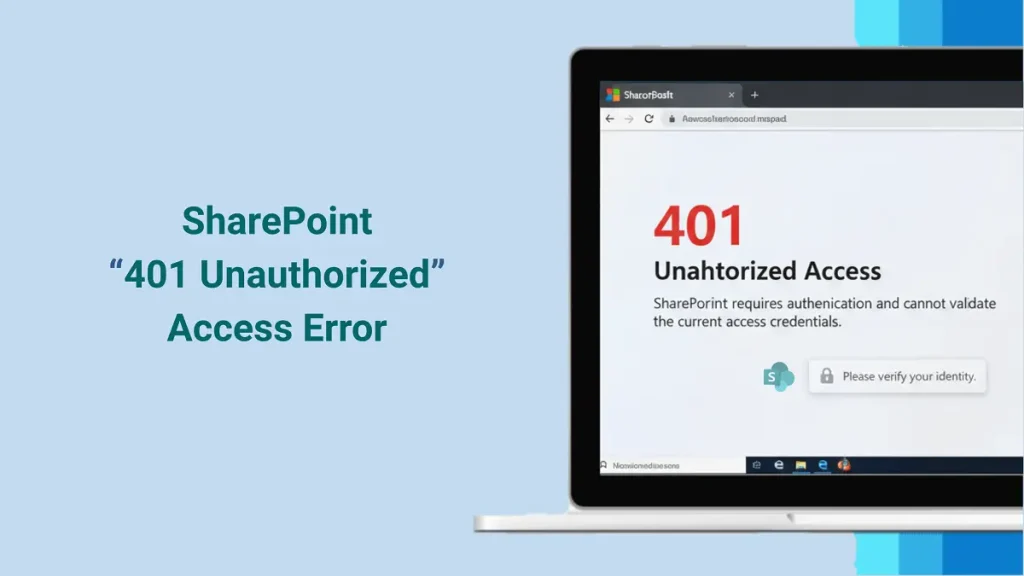
SharePoint 401 Unauthorized Access Error

Fix “SharePoint 401 Unauthorized” Error: Step-by-Step Guide!

Have you guys ever attempted to connect your SharePoint site and suddenly seen the “SharePoint 401 Unauthorized” message? If “Yes” is your answer, then this guide is for you! It gets very annoying, right? But don’t fret because you’re not a lone wolf. This error means that the connection request was blocked or the SharePoint

Fix “SharePoint 401 Unauthorized” Error: Step-by-Step Guide! Read More »

How to delete a SharePoint site

Why and How to Delete a SharePoint Site?

As companies grow, so does their virtual environment. Teams create many SharePoint sites for projects, collaboration, and communication. Over time, some of these sites turn unnecessary, obsolete, or in simple words “DEAD”. That’s when sprucing up becomes crucial. Removing unused sites not only upgrades navigation but also enhances performance and keeps your SharePoint workspace shipshape.

Why and How to Delete a SharePoint Site? Read More »

Import OST file to Gmail

Best Ways to Import OST Files to Gmail Account

Executive Summary: Gmail does not natively support the proprietary Microsoft OST (Offline Storage Table) format. To import data, you must either convert the OST to a portable PST file using Outlook Classic and upload it via the GWMMO (Google Workspace Migration for Microsoft Outlook) tool, or use a Professional Gmail Backup and Restore tool to

Best Ways to Import OST Files to Gmail Account Read More »

Migrate Windstream Email to Gmail or GWS Account

How to Migrate Windstream Email to Gmail/GWS Account?

Do you want to migrate Windstream email to Gmail or Google Workspace for easier access and more storage? If you give a nod, then this guide is for you. This guide explains manual and automated methods to securely migrate or forward all your messages and data from Windstream to a Gmail/GWS account so that you

How to Migrate Windstream Email to Gmail/GWS Account? Read More »

Scroll to Top
Trust Badge