Author name: Himanshu Pandey

Himanshu Pandey is working as a Senior Technical Content Writer at Shoviv Software. Associated with Shoviv since 2019, he has strong expertise in email technologies, cloud drives, and other modern and emerging technologies. He is certified in copywriting from OpenSAP and holds a degree in Psychology and Language. Besides technical writing, he also brings experience from various other niches. Blending professional language with a friendly tone is the best part of his writing style.

microsoft outlook keeps asking for password

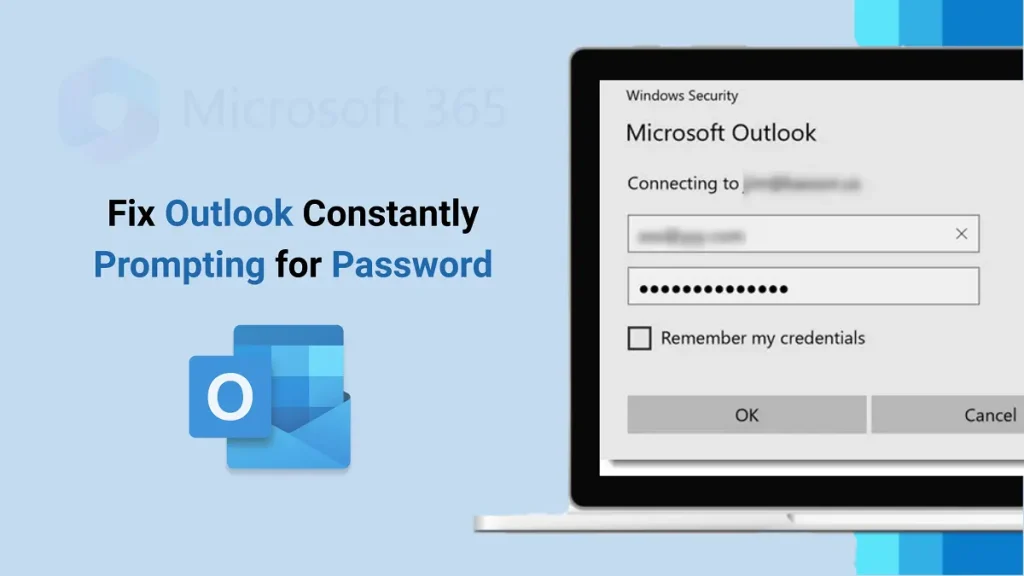
Outlook Keeps Asking for Password? Easy Ways to Fix It ASAP

Some users find that Outlook repeatedly requests a password, even after entering it multiple times. It can be frustrating and complicated to manage your emails efficiently. Even after typing your password time and again, Outlook keeps asking. Meanwhile, each time you open Outlook, it asks for your password again. If Outlook keeps prompting you for […]

Outlook Keeps Asking for Password? Easy Ways to Fix It ASAP Read More »

delete ost file, why, when and how to remove it

Should You Delete an OST File? If so, Then Why, When & How?

Our organization uses Exchange Server for emailing and other organizational management works. Now, we have a lot of OST files storing the synced data of the mailbox. Now, I want to delete OST files, but I am confused about how to delete, and what the impact of deleting will be. These types of queries are

Should You Delete an OST File? If so, Then Why, When & How? Read More »

how to create an email group in outlook 365

How to create an email group in Outlook 365?

An Outlook email group helps teams work collaboratively and lets you work independently on a common task. You get a separate mailbox when you create an email group. It also enables you to share files, schedule on the calendar, and share files. This write-up will guide you on creating an email group in Outlook 365

How to create an email group in Outlook 365? Read More »

Microsoft 365 Group vs Distribution List What's the Difference

Microsoft 365 Group vs Distribution List: What’s the Difference?

A lot of Office 365 users get confused and search a lot about Microsoft 365 Group vs Distribution List. Microsoft 365 Group is more than just a contact list; it is what the Distribution List is about. A distribution list helps to send a particular email to a list of users that are pre-described/added.  Microsoft

Microsoft 365 Group vs Distribution List: What’s the Difference? Read More »

Migrate Shared Mailbox to Office 365 Exchange Online Mailbox

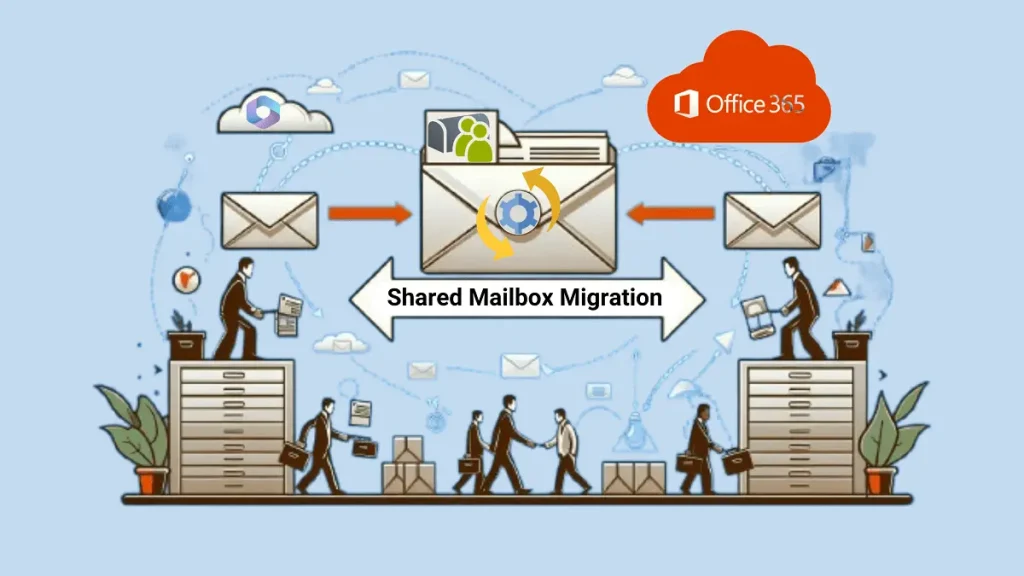
Migrate Shared Mailbox to Microsoft 365 (Exchange Online)

A Shared mailbox provides access to multiple users who have delegate rights. A shared mailbox is a widely used facility used by the organization to provide access to those who have permission. In most cases, companies create support@company.com, finanace@company.com, or other common information center/ mailbox that must be shared with a team or department. Users

Migrate Shared Mailbox to Microsoft 365 (Exchange Online) Read More »

How to create a distribution list in Outlook 365 featured Image to show contacts Groups in Outlook

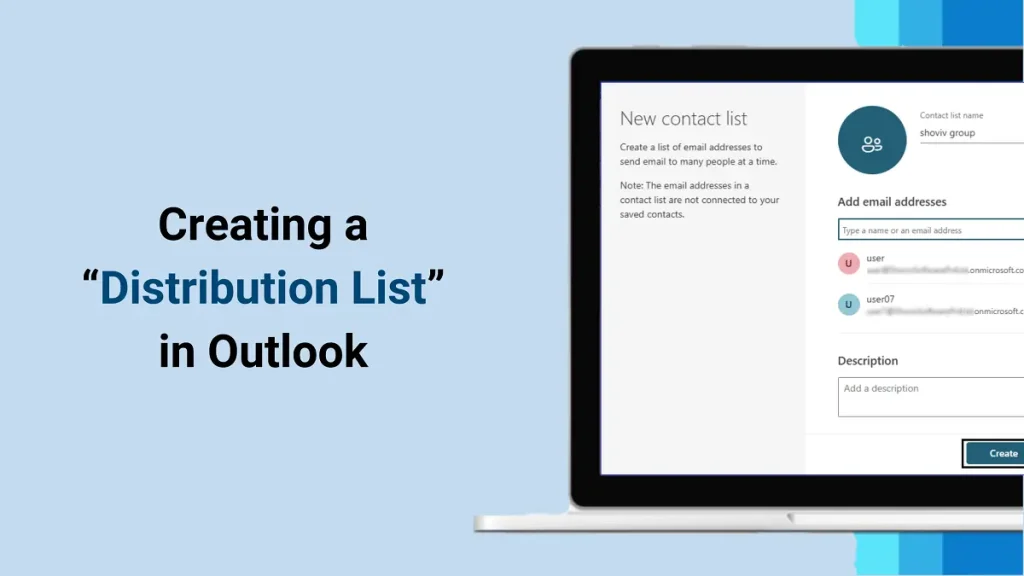
How to Create a Distribution List in Outlook? – Complete Guide

Distribution List in Outlook or Office 365(Outlook 365) helps users to share a particular mail with many others in a single go.  As its name clarifies, it helps users create a separate list of members you usually send a particular email to. When you work in a large organization, entering details one by one is

How to Create a Distribution List in Outlook? – Complete Guide Read More »

Scroll to Top
Trust Badge