Author name: Stuart

Stuart Clark is working as a technical content writer at Shoviv Software for the last 9 years. He specializes in crafting informative and engaging articles for diverse audiences. With a solid understanding of complex technologies, he explains complex concepts in a simpler manner that Leyman users can also understand easily. He has vast expertise in writing articles related to email and cloud niches. Apart from that, he likes to research newer technologies and gain knowledge to stay updated with the current trends.

Exclude a SharePoint Online Site from Retention Policy

Exclude a SharePoint Online Site from Retention Policy

Excluding a SharePoint Online site from a Retention Policy can be done manually in the Microsoft 365 Admin Centre by editing the policy settings and excluding the site. In this blog, we will answer the most frequently asked questions from users online about how to exclude a SharePoint Online site from the retention policy. What […]

Exclude a SharePoint Online Site from Retention Policy Read More »
Recover delete data from OneDrive

How to Recover Permanently Deleted Data from OneDrive?

Summary: You can recover permanently deleted data from OneDrive, but it mainly depends on timing and retention limits. In most cases, OneDrive keeps deleted files for 30–93 days. During this period, you can restore them from the Recycle Bin or Version History. However, once this time passes, built-in recovery no longer works. Therefore, you should

How to Recover Permanently Deleted Data from OneDrive? Read More »

SharePoint Migration Challenges & Solutions

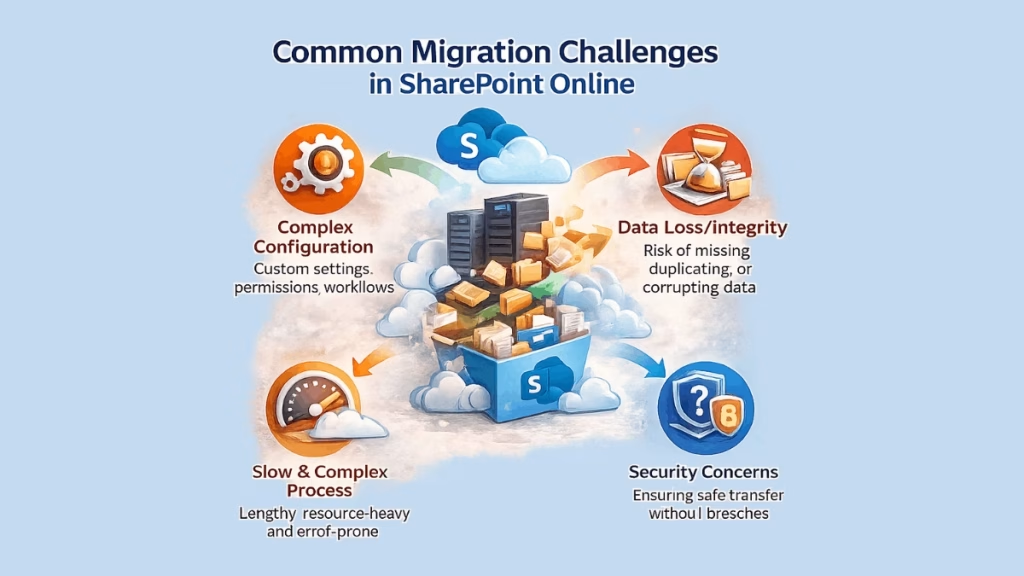
Common Migration Challenges in SharePoint Online

Summary:- SharePoint Online migration is usually seen as complex and time-consuming, but it also involves the risks of data loss, security issues, and poor planning and management. With the proper strategy and tools, these Challenges can be resolved in an efficient manner. The Shoviv SharePoint Migration Tool simplifies the process, ensuring a secure, efficient, and

Common Migration Challenges in SharePoint Online Read More »

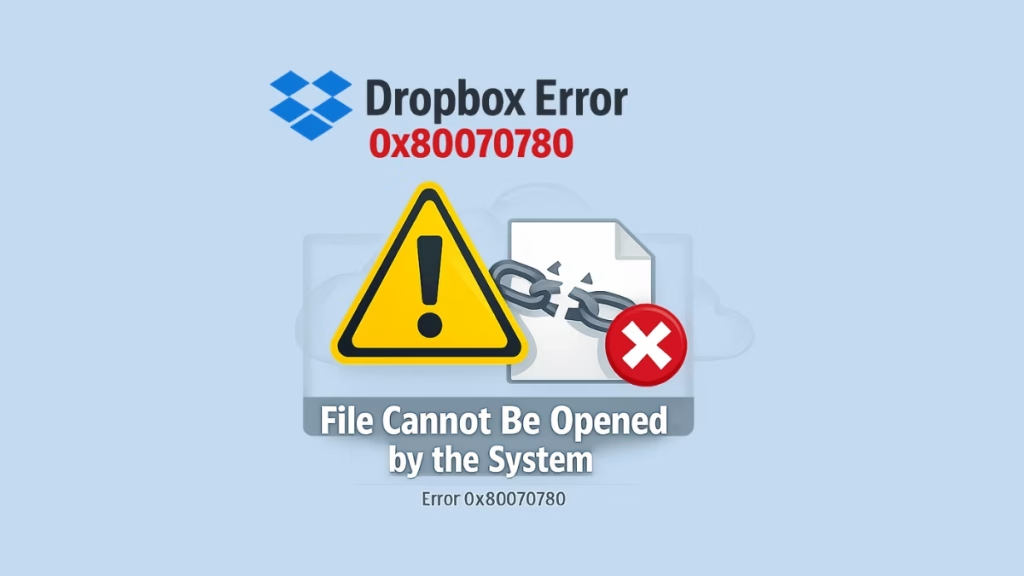
Dropbox Error 0x80070780 – File Cannot Opened by the System blog featured image

Dropbox Error 0x80070780 – File Cannot Opened by the System

Summary: If you are facing error 0x80070780 or the message’ file cannot be accessed by the system’ while trying to open, copy, or manage files, this blog can help you. Here we explain this issue and provide several manual solutions that may help users resolve problems, such as Dropbox files that cannot be accessed by

Dropbox Error 0x80070780 – File Cannot Opened by the System Read More »

OneDrive for Business Migration Checklist

The Ultimate OneDrive for Business Migration Checklist

Summary:- A OneDrive for Business Migration checklist acts as a practical step to help both organisations and individuals to execute and complete their migration process in a smooth way. It covers all dimensions, including data cleanup, security checks, testing, and post-migration support for both the IT team and end-users.  OneDrive is the most commonly used

The Ultimate OneDrive for Business Migration Checklist Read More »

Scroll to Top
Trust Badge