Author name: Pradeep Katiyar

Pradeep Katiyar is a true tech geek with expertise in cloud, backup, migration solutions, and SEO. He is passionate about writing on emerging technologies, email troubleshooting, data management, and search optimization strategies. Along with handling complete SEO processes, he enjoys sharing practical how-to guides and creating portraits in his spare time. He has commendable command over emailing, cloud migration, backup strategies, troubleshooting, and digital content optimization.

Google Workspace IMAP Settings- blog image

Google Workspace IMAP Settings: Email Server Configuration

Users looking for Google Workspace IMAP Settings or facing difficulties while configuring their email accounts can use this guide to understand the required server settings and setup process. This blog explains configuration steps and how to connect email clients for smooth email access. About Google Workspace IMAP Settings Google Workspace IMAP Settings are the server […]

Google Workspace IMAP Settings: Email Server Configuration Read More »
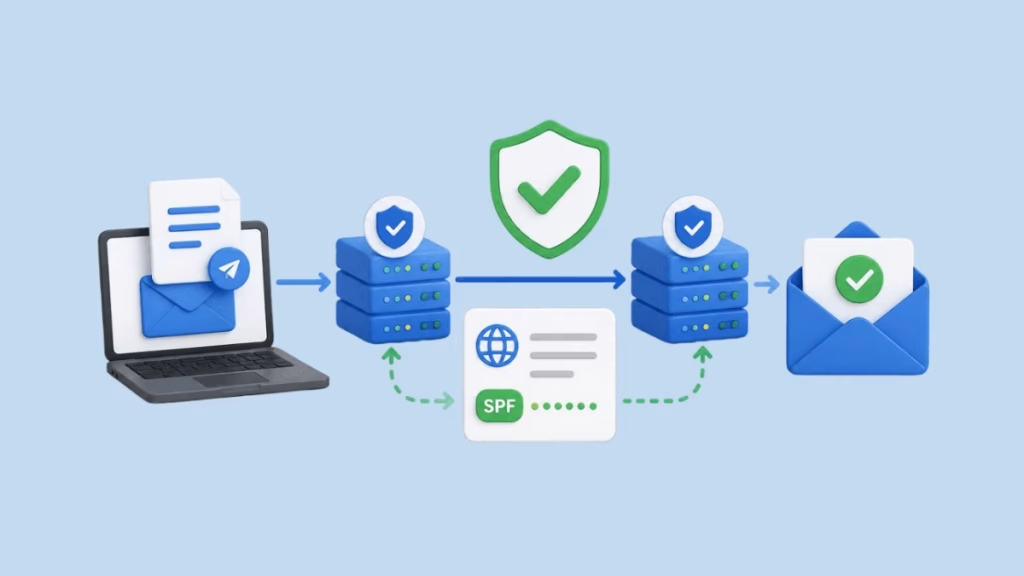
spf record for google workspace

How to Set Up an SPF Record for Google Workspace

Summary: Users looking to configure an SPF record for Google Workspace can improve email authentication, reduce the risk of domain spoofing, and enhance email deliverability. This blog explains how to configure a Google Workspace SPF record, verify its setup, avoid common configuration mistakes, and strengthen email security with additional authentication methods. It also introduces a

How to Set Up an SPF Record for Google Workspace Read More »

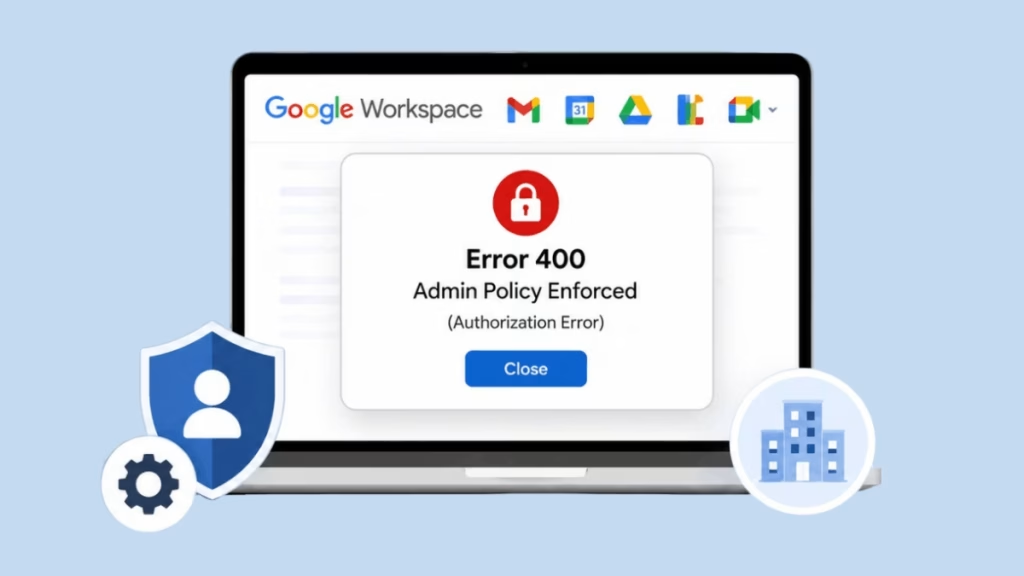
Error 400 Admin Policy Enforced in Google Workspace

Fix Error 400: Admin Policy Enforced in Google Workspace

Are you also facing Error 400: admin policy enforced in Google Workspace while accessing or connecting third-party applications? This blog is useful for such users and explains fixes to resolve the issue and restore access. What is Error 400: Admin Policy Enforced in Google Workspace? Users encounter Error 400: Admin Policy Enforced in Google Workspace

Fix Error 400: Admin Policy Enforced in Google Workspace Read More »

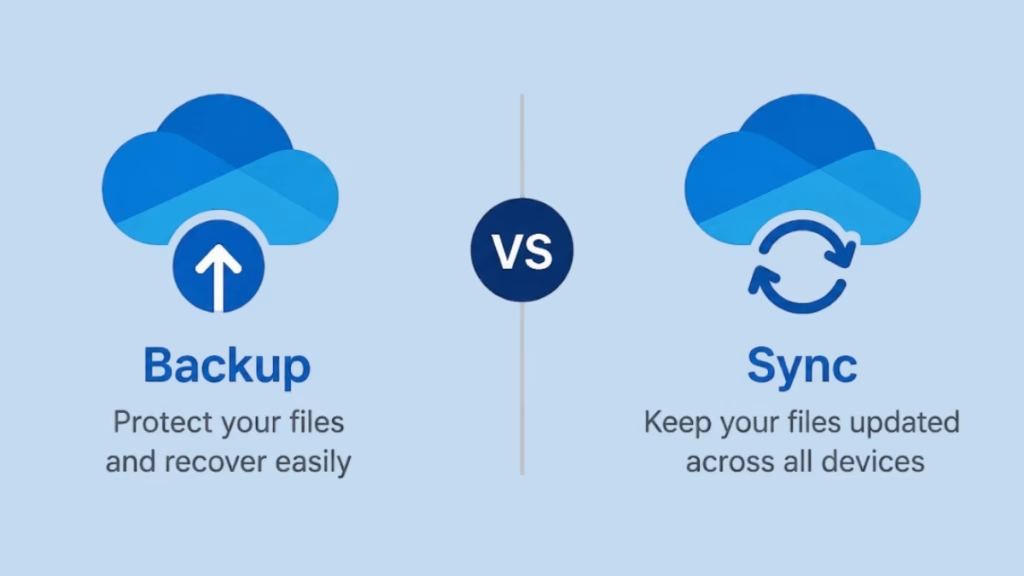
OneDrive Backup vs Sync

What is the Difference Between OneDrive Backup and Sync?

Summary – OneDrive provides two ways to manage files: Backup and Sync. Backup keeps a safe copy of your data for recovery, while Sync updates files across devices in real time. Both serve different purposes, but are often misunderstood. This blog explains their differences, use cases, and importance in simple terms. Overview of OneDrive Backup

What is the Difference Between OneDrive Backup and Sync? Read More »

Box vs SharePoint comparison

Box vs. SharePoint: A Comprehensive 2026 Comparison

Organizations often struggle to choose between Box vs. SharePoint for managing documents, secure file storage, and team collaboration in modern cloud environments. Both platforms are widely used in enterprises, but they differ in how they support workflow, integrations, and scalability based on business needs. This blog helps users quickly compare Box and SharePoint across key

Box vs. SharePoint: A Comprehensive 2026 Comparison Read More »

View Attachments in Gmail

How to View All Attachments in Gmail? 

Summary: Facing difficulty in finding or viewing attachments in Gmail is a common issue, especially when emails are scattered across a large inbox. Many users struggle to access important files quickly or manage them efficiently. In this blog, we will explain simple and effective methods to view all attachments in Gmail, along with the reasons

How to View All Attachments in Gmail?  Read More »

Scroll to Top
Trust Badge