Author name: Stuart

Stuart Clark is working as a technical content writer at Shoviv Software for the last 9 years. He specializes in crafting informative and engaging articles for diverse audiences. With a solid understanding of complex technologies, he explains complex concepts in a simpler manner that Leyman users can also understand easily. He has vast expertise in writing articles related to email and cloud niches. Apart from that, he likes to research newer technologies and gain knowledge to stay updated with the current trends.

Sync SharePoint

Sync SharePoint Document Library with Local Folder

“Did You Know? The Hidden Time-Waste in Businesses” Did you know? On average, 40-50% of businesses waste 2+ hours weekly on manual sync SharePoint document library with the local folder. If that’s you, stop struggling. On the internet, we notice the questions of the users in the repedtaly about how we can sync the SharePoint […]

Sync SharePoint Document Library with Local Folder Read More »
google drive for desktop not syncing with cloud

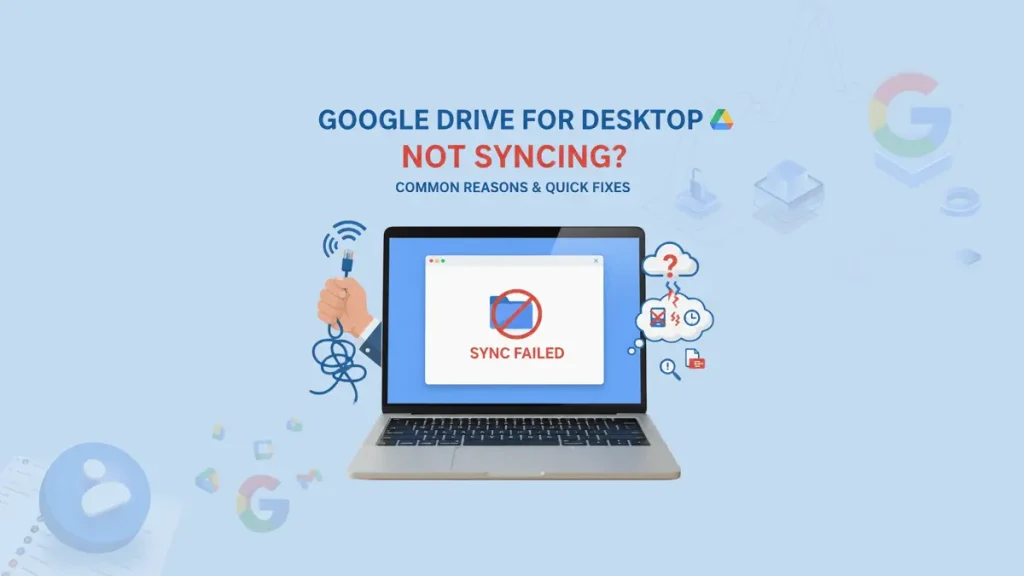
Fix if ‘Google Drive for Desktop Not Syncing’ With Cloud?

In our current world of Cloud storage, Google Drive has become a reliable home for your files, recordings, photos, documents, and project folders. However, when google drive for desktop not syncing, the situation suddenly turns from convenience to frustration. Whether you are trying to collaborate with your teams, share documents, or simply back up your

Fix if ‘Google Drive for Desktop Not Syncing’ With Cloud? Read More »

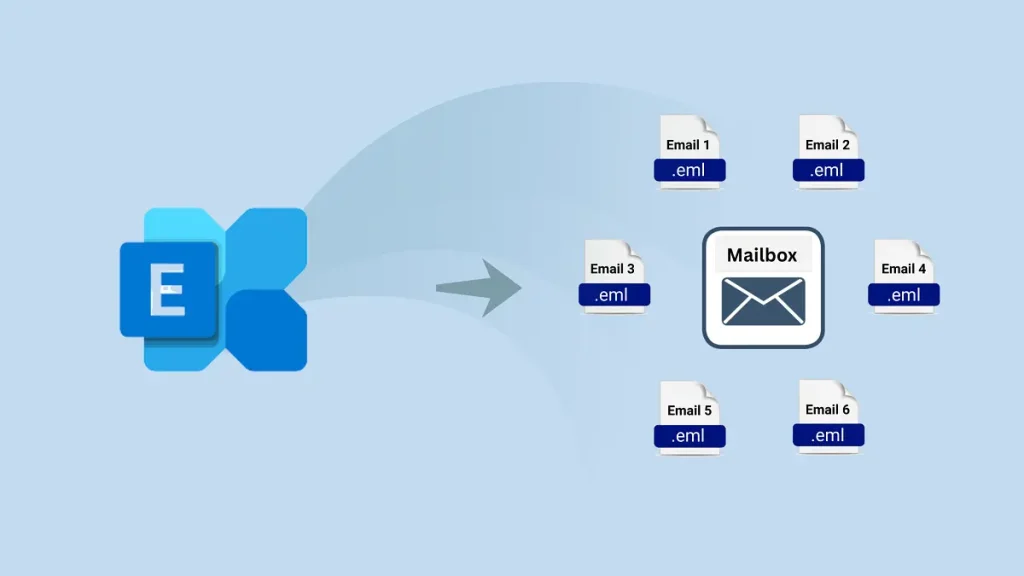
Ways to Convert Exchange EDB to EML Files Format

Microsoft Exchange Server uses EDB (Exchange Database) files to store all mailbox data, including emails, contacts, tasks, journals, and attachments. These files save both in-process and non-SMTP messages, playing a vital role in organisational communication. However, Exchange servers are susceptible to corruption due to viruses, crashes, or hardware failures. In such cases, having a backup

Ways to Convert Exchange EDB to EML Files Format Read More »

Import MBOX to Apple mail

Import MBOX to Apple Mail: Migrate Directly in a Speedy Way

Apple Mail remains one of the most popular email clients, known for its clean interface, advanced security, and seamless integration with the Apple ecosystem. Many users have old emails stored in MBOX files — a common format used by clients like Thunderbird, Eudora, Entourage, and others. If you are switching to Apple Mail or want

Import MBOX to Apple Mail: Migrate Directly in a Speedy Way Read More »

Microsoft 365 Groups Calendar vs Shared Calendar

Microsoft 365 Groups Calendar vs Shared Calendar

When your teams collaborate using Microsoft 365 (also known as Office 365), calendars play a big role in staying in order, whether it’s planning your tasks, coordinating your events, tracking your team’s progress or scheduling meetings. However, multiple companies always get confused over Microsoft 365 Groups calendar and Shared Calendar, assuming that they are the

Microsoft 365 Groups Calendar vs Shared Calendar Read More »

IMAP Settings for Office 365 Outlook Email

SMTP, POP, and IMAP Settings for Office 365: A Setup Guide

Whenever you set up an email in Outlook, Apple Mail, Thunderbird, or any other email application, the SMTP, POP IMAP settings for Office 365 play a key role in deciding whether your emails will be sent smoothly or act stubbornly. Not gonna lie! No one has the time to deal with “Message Send Failed” when

SMTP, POP, and IMAP Settings for Office 365: A Setup Guide Read More »

Scroll to Top
Trust Badge