Author name: Stuart

Stuart Clark is working as a technical content writer at Shoviv Software for the last 9 years. He specializes in crafting informative and engaging articles for diverse audiences. With a solid understanding of complex technologies, he explains complex concepts in a simpler manner that Leyman users can also understand easily. He has vast expertise in writing articles related to email and cloud niches. Apart from that, he likes to research newer technologies and gain knowledge to stay updated with the current trends.

Backup Webmail Emails to PST

How to Backup and Restore Emails in Webmail?

Emails have now become a crucial part of communication at the personal and professional levels. Each user should have a backup solution to save or download their Webmail emails (Gmail, Outlook.com, HostGator, Blue Host, etc. This guide will share the complete stepwise instructions for the Webmail backup and restore process. Here, users will learn the […]

How to Backup and Restore Emails in Webmail? Read More »

Migrate Outlook to New Computer Featured Image

How to Migrate Outlook to New Computer?

Microsoft Outlook users understand Outlook’s OST or PST data files very well. These files store all data, like emails, contacts, tasks, etc. For some reason, users look to migrate Outlook to a new computer using a reliable and trustworthy solution. However, this task becomes daunting when the OST or PST data file is damaged. In

How to Migrate Outlook to New Computer? Read More »

outlook cannot display the folder

Fix If Outlook Cannot Display the Specific Folder Location

Do you seek to know how to resolve Outlook not showing specific folder issues? Would you like to fix the “Cannot display the folder. Microsoft Outlook cannot access the specified folder location” error? This issue can be solved by just restarting Microsoft Outlook, but it is not a permanent solution. After some time, this error

Fix If Outlook Cannot Display the Specific Folder Location Read More »

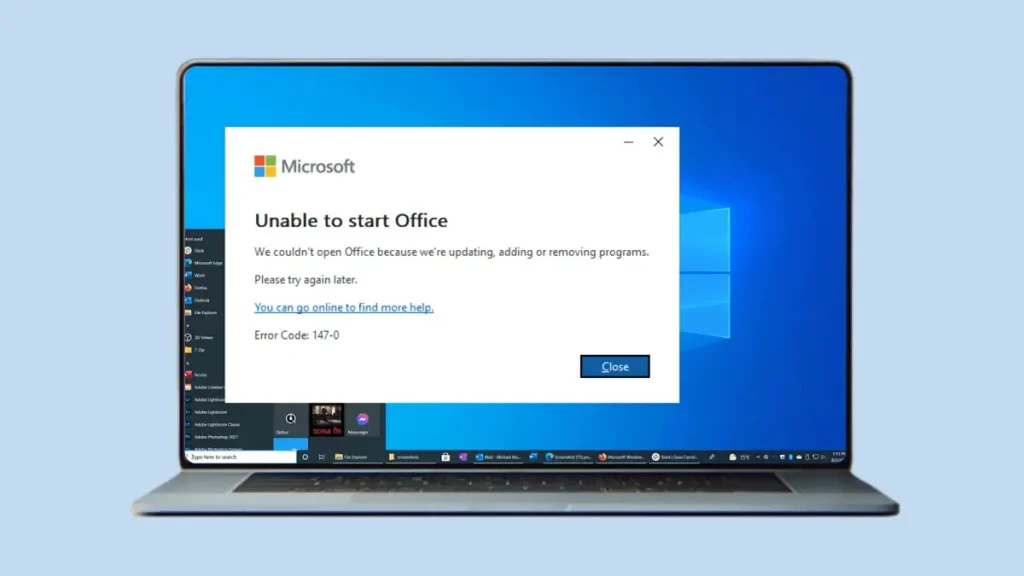
Fix Microsoft Office Error Code 147-0

How to Resolve Microsoft Office Error Code 147-0 in Windows?

Trying to log in to Microsoft Office? However, it is reflected with the Microsoft Office error code 147-0 upon logging in, which needs instant fixes to avoid disruption in the business’s workflow. This error can occur due to a bad internet connection, outdated MS Office, or many other things. If you want to know how

How to Resolve Microsoft Office Error Code 147-0 in Windows? Read More »

email archive migration to office 365 a step by step guide

Email Archive Migration: A Complete Step-by-Step Guide!

Most businesses save their emails as archives to minimize the mailbox size and for future reference. When the size of the archive emails grows over time, or companies are switching to another platform. Then, the organizations need to perform the email archive migration task. This blog will provide complete information on the migration procedure to

Email Archive Migration: A Complete Step-by-Step Guide! Read More »

Scroll to Top
Trust Badge